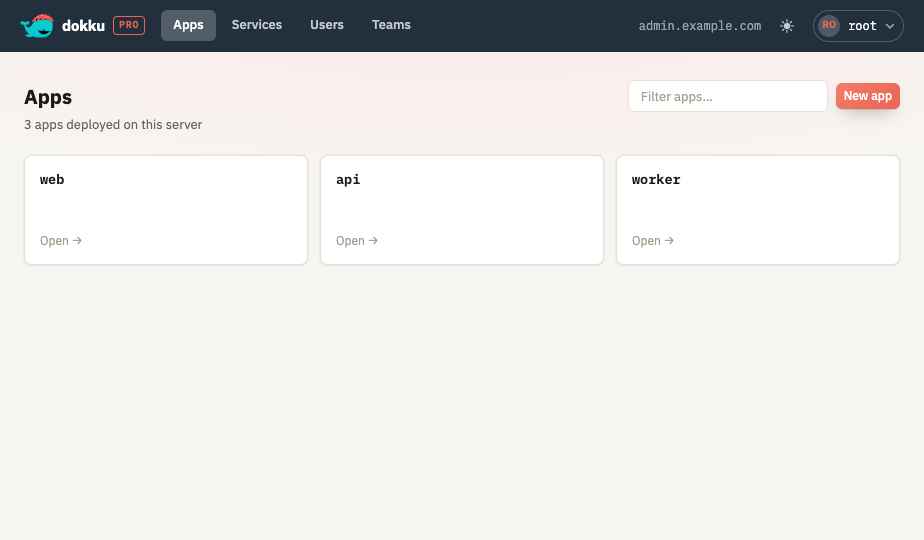
Accessing Dokku Pro
Once the service is running, Dokku Pro is reachable in a browser at your server's address. This page covers signing in for the first time; to serve it on a custom domain with TLS, see Exposing Publicly.
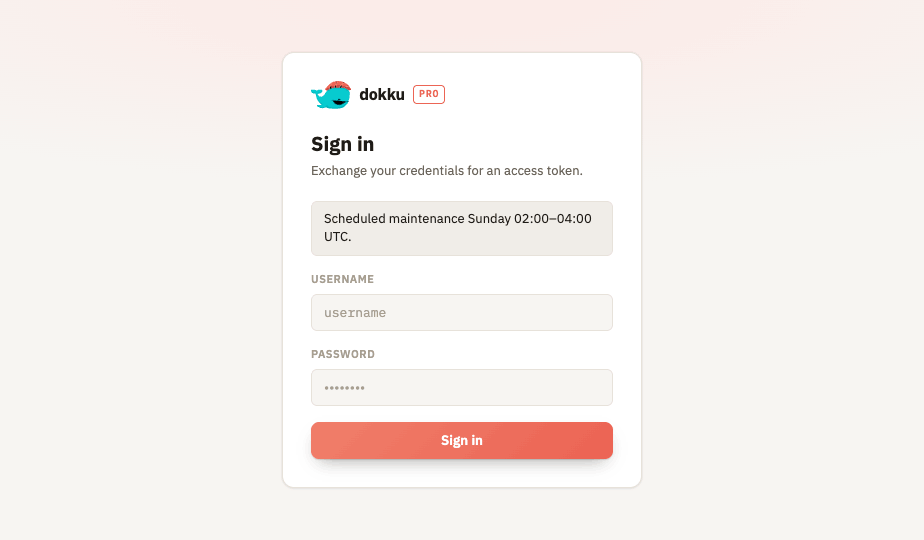
Open $YOUR_SERVER_IP:$PORT (port 5000 by default). Sign in with the built-in
administrator account:
- Username:
root - Password: the value of your
ROOT_TOKEN, set in the server configuration
Additional Users
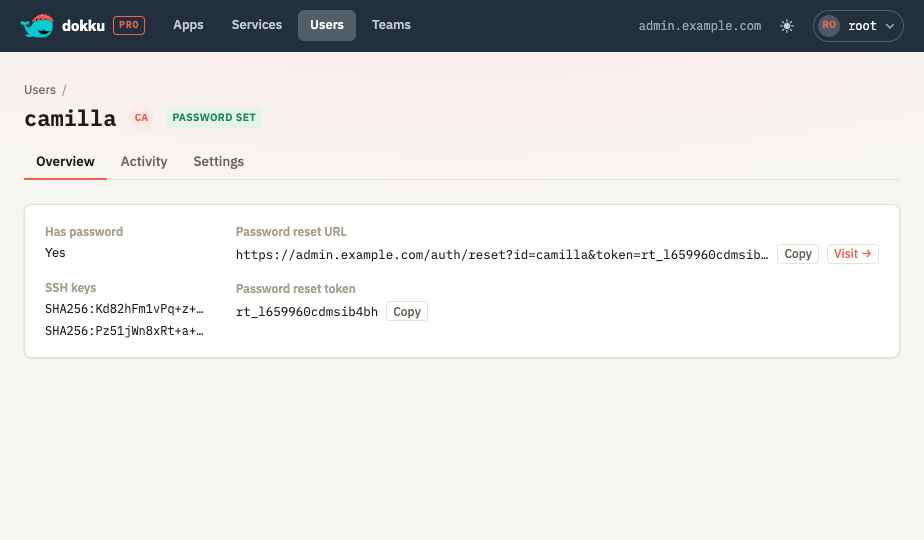
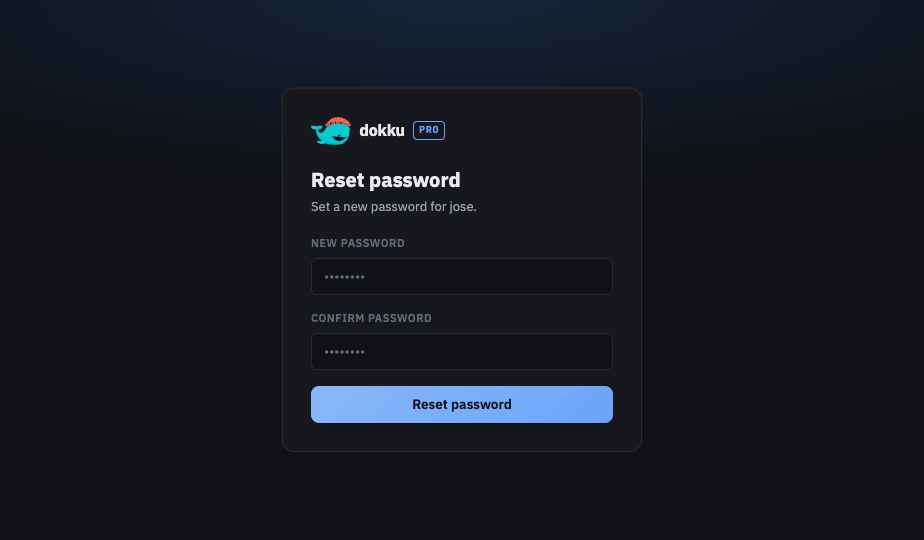
Other users sign in with their own credentials. A user who has no password yet can be sent a single-use password reset link, generated from their page in the user management UI.
Light and Dark Appearance
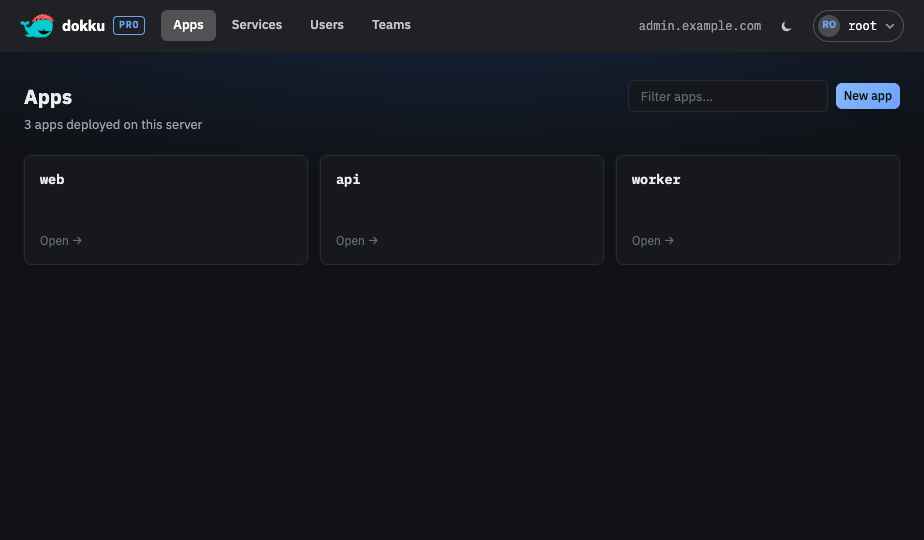
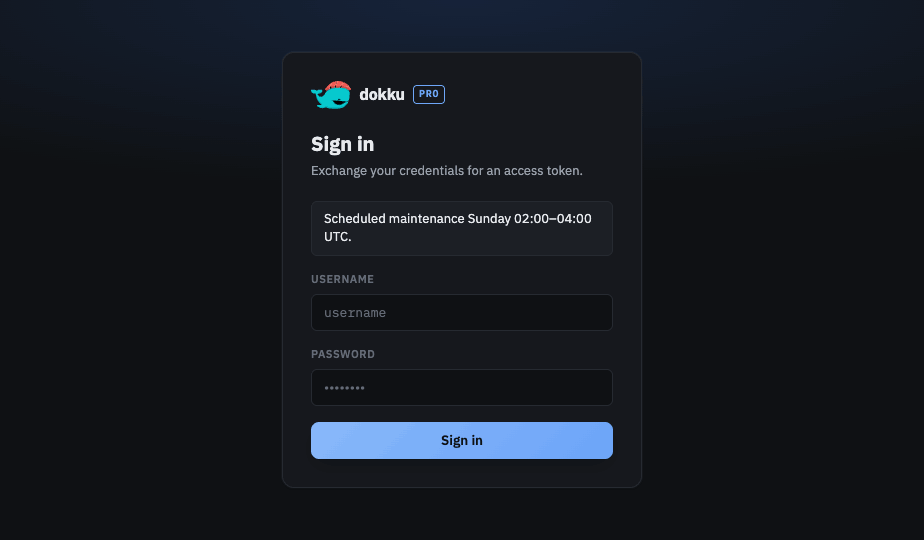
The interface follows your system's light or dark appearance by default. The toggle in the top bar cycles between system, light, and dark.