GitHub Webhooks
New as of 1.4.0
GitHub webhooks are available in Dokku Pro 1.4.0 and later.
Dokku Pro can deploy an app from a git repository, either on demand or automatically when
you push to GitHub. Both paths use Dokku's git:sync command to fetch the repository and
optionally build and release it.
Manual Sync From Git
On the app detail page, open the Actions menu and choose Sync from git…. Provide the repository URL, an optional git ref or branch, and whether to build after syncing. The sync runs as a queued background job, the same way the other deploy actions do.
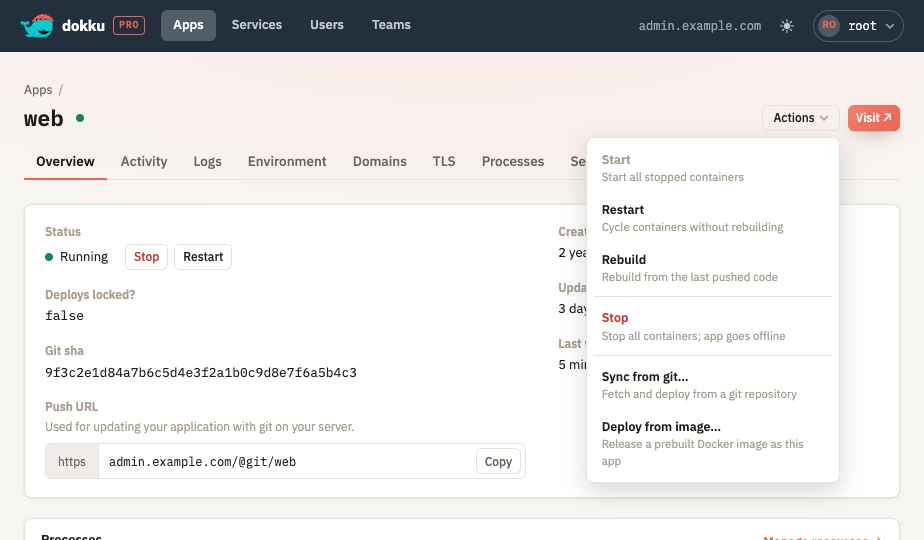
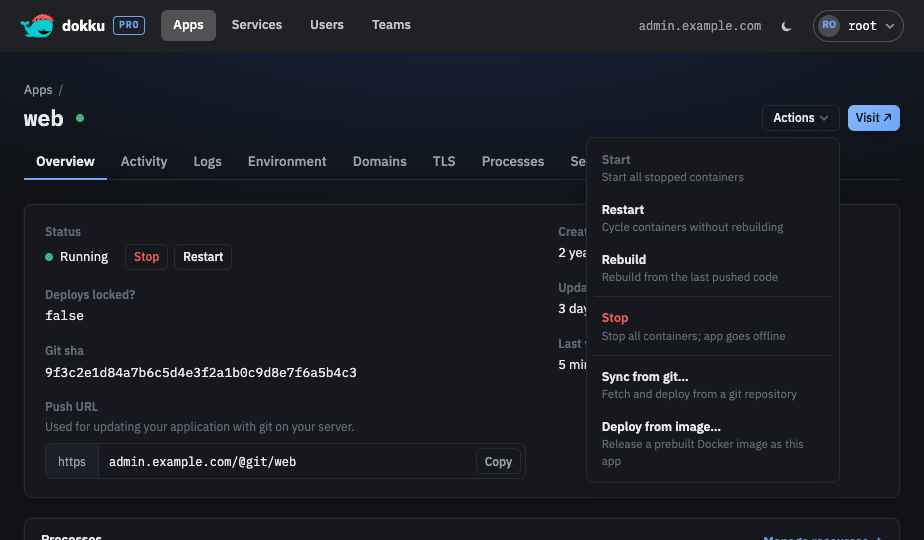
The equivalent API call posts to the deploy endpoint with a git source:
curl -H "Authorization: Bearer ${jwt_token}" \
     -H "Content-Type: application/json" \
     -d '{
       "data": {
         "type": "deploys",
         "id": "node-js-app",
         "attributes": {
           "app_id": "node-js-app",
           "source": "git",
           "repository": "https://github.com/heroku/node-js-sample.git",
           "git_ref": "main",
           "build_mode": "build"
         }
       }
     }' \
     "https://admin.dokku.me/@api/deploys"
The response is a 202 with a Content-Location header pointing at the queued job.
Configuring a GitHub Webhook
Each app has a GitHub webhook section under Settings. Configure it with:
- Enabled - turn the webhook on or off. A repository is required to enable it.
- Repository URL - the git repository that is synced when a matching push is received.
- Deploy branch - only pushes to this branch trigger a sync. Leave it empty to sync whatever branch was pushed.
- Build mode - whether a triggered sync also builds and releases the app:
- Off - fetch the repository without building.
- Build - always build and release.
- Build if changes - build only when the resolved revision changed.
- Signing secret - generated when you enable the webhook. Reveal, copy, or regenerate it. GitHub cannot show a secret again after you save it, so copy it from here.
- Webhook URL - the read-only receiver URL to configure in GitHub.
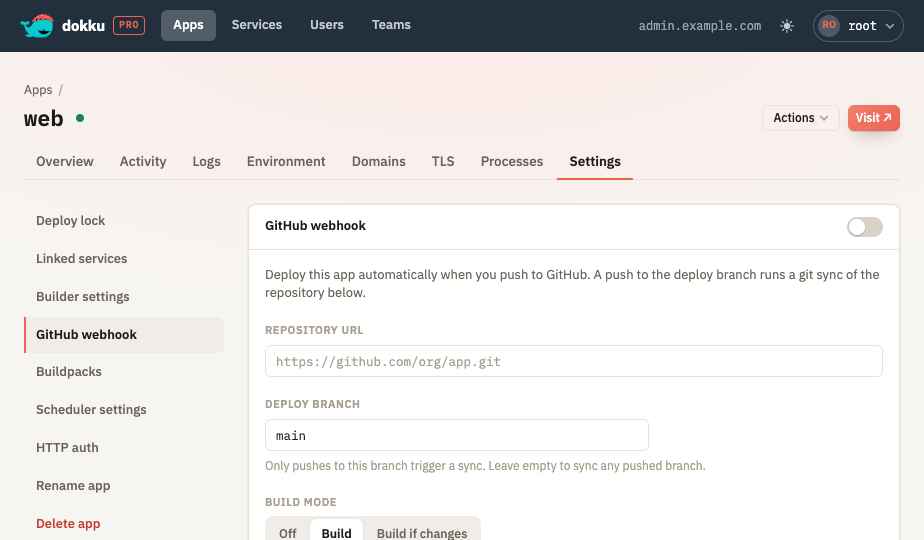
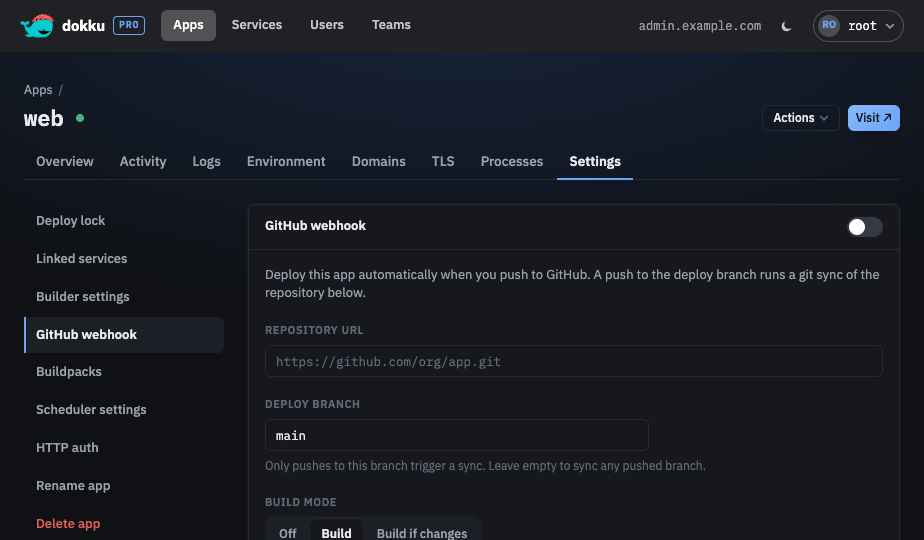
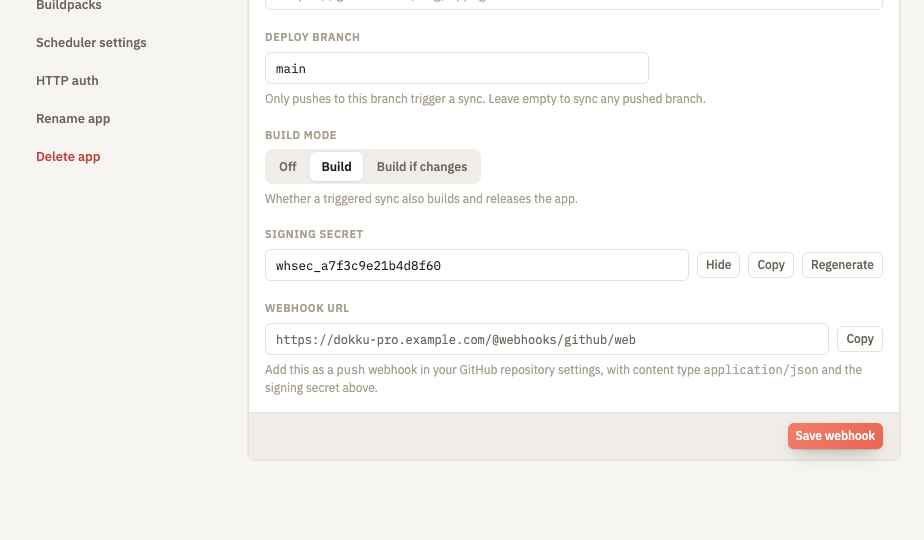
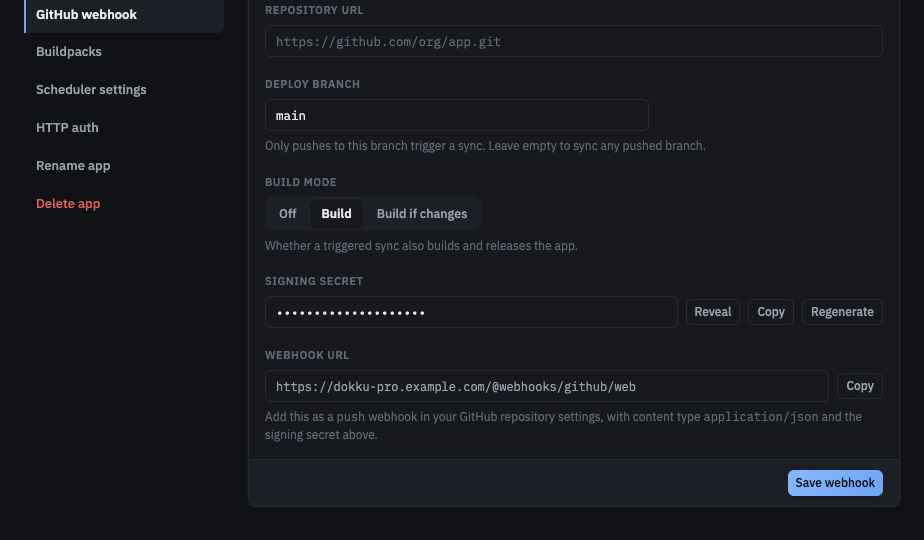
The webhook configuration follows the app through its lifecycle: it is removed along with its signing secret when the app is deleted, moves with the app when it is renamed, and is copied when the app is cloned. A cloned app keeps its own webhook URL but shares the source app's signing secret until you regenerate it.
Adding the Webhook in GitHub
In your GitHub repository, open Settings → Webhooks → Add webhook and set:
- Payload URL - the webhook URL shown in the settings section, in the form
https://admin.dokku.me/@api/webhooks/github/node-js-app. - Content type -
application/json. - Secret - the signing secret from the settings section.
- Events - just the
pushevent.
The receiver validates the X-Hub-Signature-256 header (an HMAC-SHA256 of the request body
keyed by the signing secret) on every delivery, so the endpoint is safe to expose publicly
without a Dokku Pro login. A push to the configured deploy branch queues a git:sync of the
configured repository; tag pushes and branch deletions are ignored.