Managing Multiple Servers
New as of 1.5.0
Multi-server management is available in Dokku Pro 1.5.0 and later.
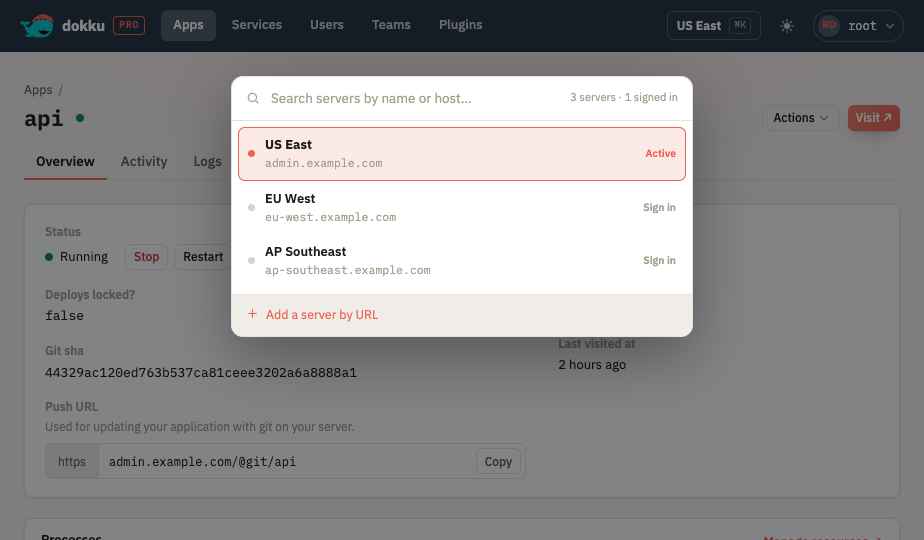
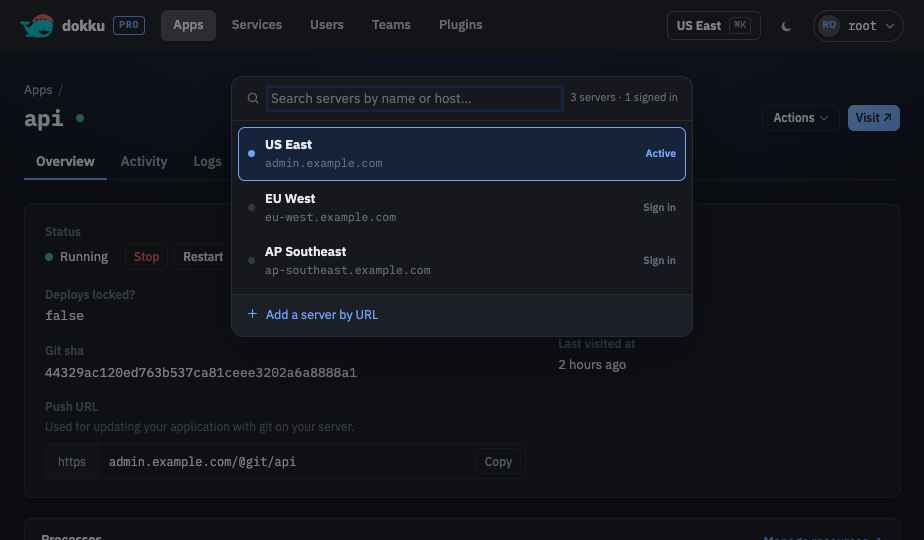
A single Dokku Pro web UI can manage more than one Dokku Pro server. Operators list peer servers in the primary server's configuration; users then select a server to work with and switch between servers from a command palette (⌘K), authenticating to each and keeping multiple sessions active at once. When enabled, users can also connect to ad-hoc "custom" servers by URL, stored in their browser.
The selector appears only when more than one server is configured or custom servers are enabled. Otherwise the UI behaves exactly as a single-server install.
How It Works
The web UI is a single-page app served by the primary server. When a user selects a
different server, the browser makes cross-origin, Bearer-authenticated calls directly to
that server's API - there is no server-side proxy. Each server issues and validates its own
tokens, and the UI keeps a separate session per server. The list of selectable servers
always comes from the primary's GET /@api/servers; that endpoint is public so the sign-in
screen can render the selector before the user has a session.


Configuration
Multi-server support is configured on the primary server through the environment. See the configuration documentation for the full reference.
| Variable | Default | Description |
|---|---|---|
SERVER_NAME |
empty | Friendly name for this server in the selector. |
SERVER_BACKENDS |
empty | JSON array of {name, url} peer servers to offer. |
SERVER_CUSTOM_SERVERS_ENABLED |
false |
Allow users to add custom servers by URL. |
SERVER_CORS_ALLOWED_ORIGINS |
empty | Origins allowed to call this server cross-origin. |
SERVER_PUBLIC_URL |
(required) | This server's public origin; its self entry and CORS self-origin. |
export SERVER_NAME="US East"
export SERVER_PUBLIC_URL="https://us-east.dokku.example.com"
export SERVER_CUSTOM_SERVERS_ENABLED=true
export SERVER_BACKENDS='[{"name":"EU West","url":"https://eu.dokku.example.com"}]'
Cross-Origin Requests
Because peer servers live on different domains, the UI's calls to them are cross-origin.
Every response advertises the Authorization header as allowed (it is not covered by the
* wildcard per the Fetch standard), and the allowed origin is controlled per server:
- When
SERVER_CORS_ALLOWED_ORIGINSis set, it is authoritative - a single*allows any origin, otherwise only the listed origins are allowed. - Otherwise the allowlist is
SERVER_PUBLIC_URLplus everySERVER_BACKENDSorigin (or justSERVER_PUBLIC_URLwhen no backends are configured).
Because CORS headers come from the responding server, switching from server A's UI to
server B requires server B to allow server A's origin - by listing A in B's
SERVER_BACKENDS, adding A to B's SERVER_CORS_ALLOWED_ORIGINS, or setting that variable to
*. For a two-way switch, configure the allowance on both servers.
All participating servers must run 1.5.0
The Authorization-header CORS fix and the GET /@api/servers endpoint ship in 1.5.0.
A peer running an older version cannot be reached cross-origin, and SERVER_PUBLIC_URL
is now required, so every server must be upgraded and configured before it can join.