Managing Apps
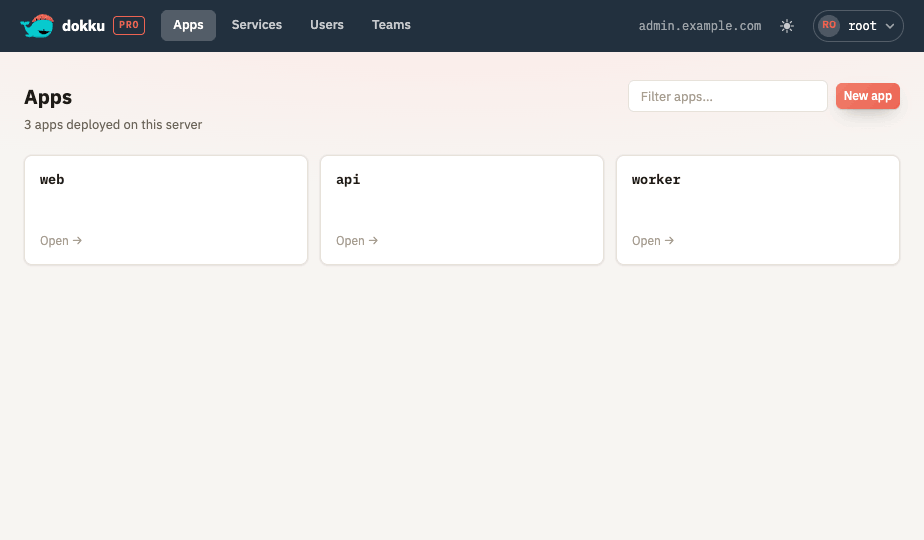
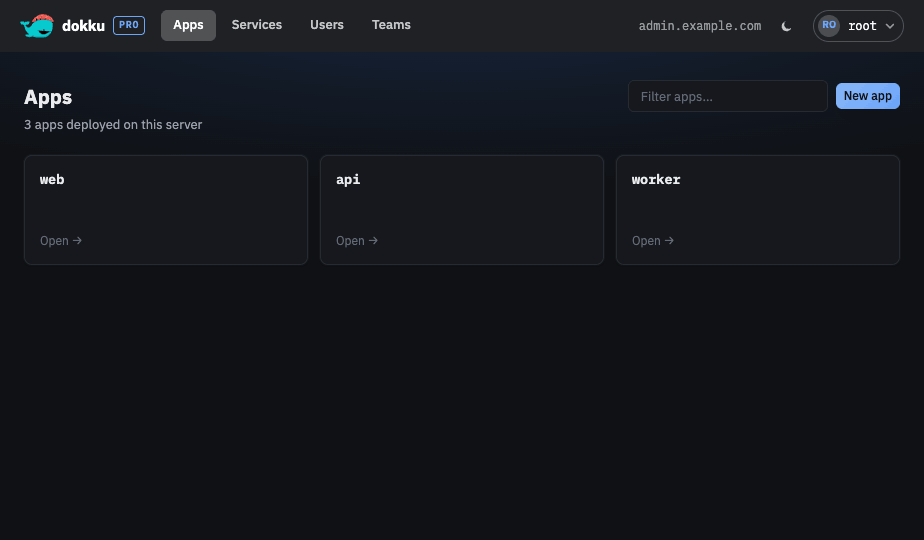
Apps are the center of Dokku Pro. The web UI covers an app's whole lifecycle - deploying, configuring, scaling, and inspecting it - so you rarely need to drop to the command line. The dashboard lists every app and its status.
Overview and Lifecycle
Create and delete apps, with a typed confirmation before an app is destroyed. Deleting an app returns you to the app list and shows a toast; the app is marked "deleting" in the list until the background destroy finishes and it drops out.
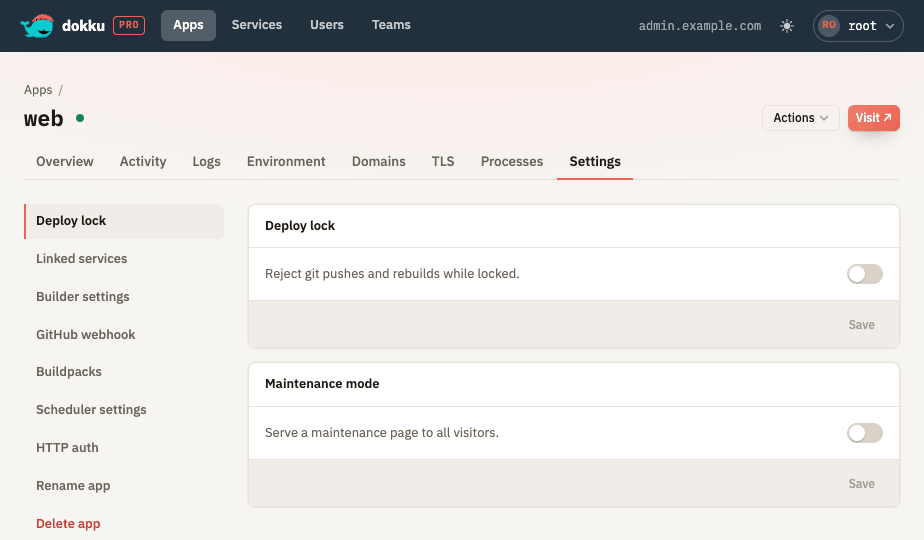
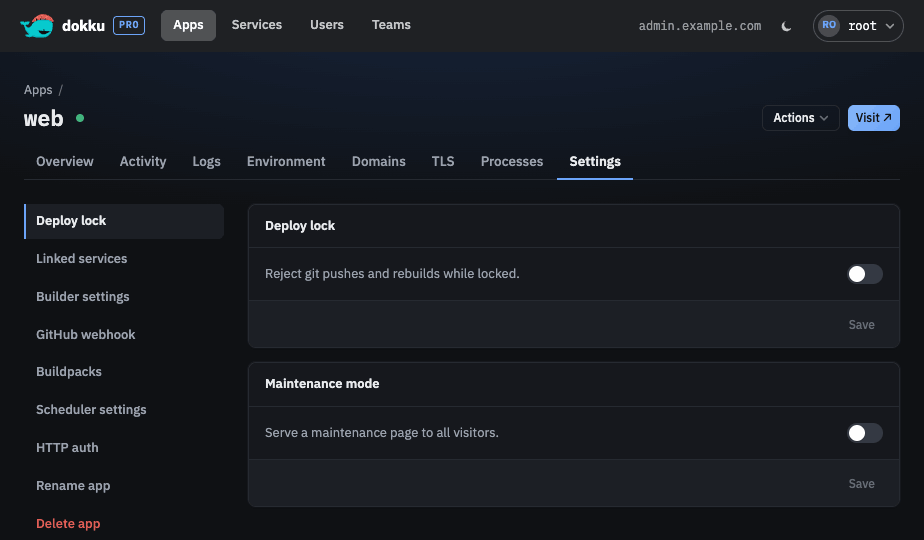
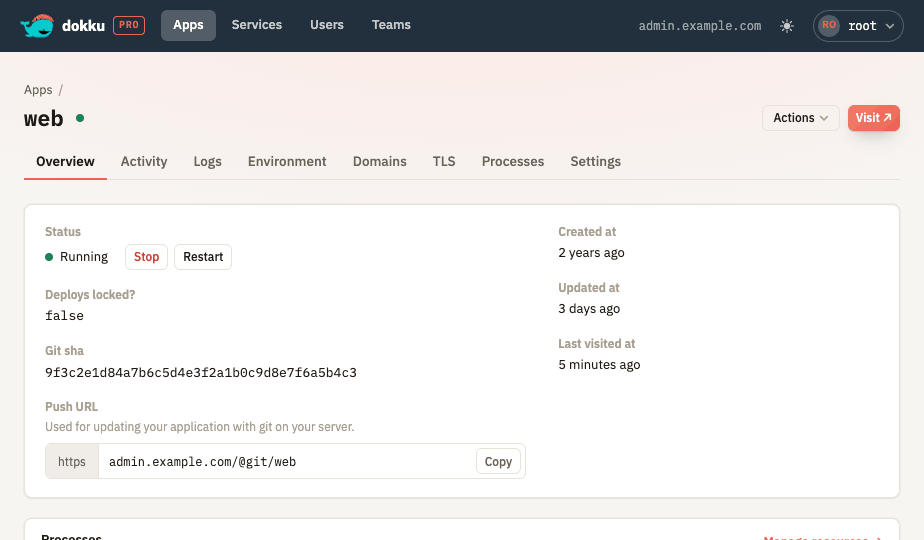
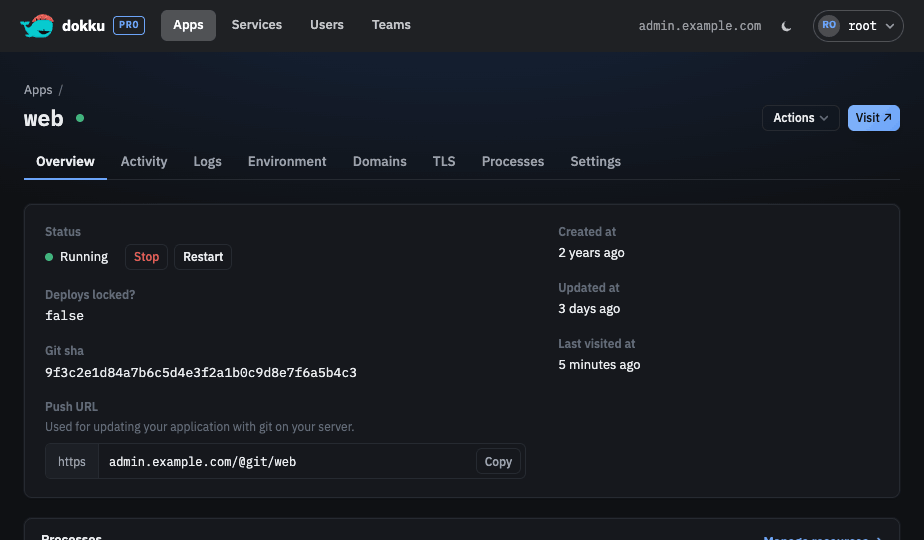
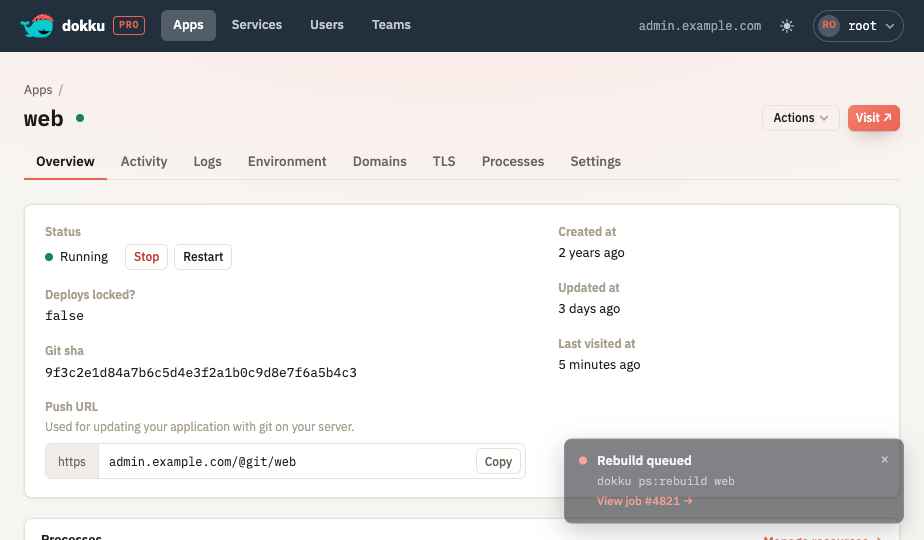
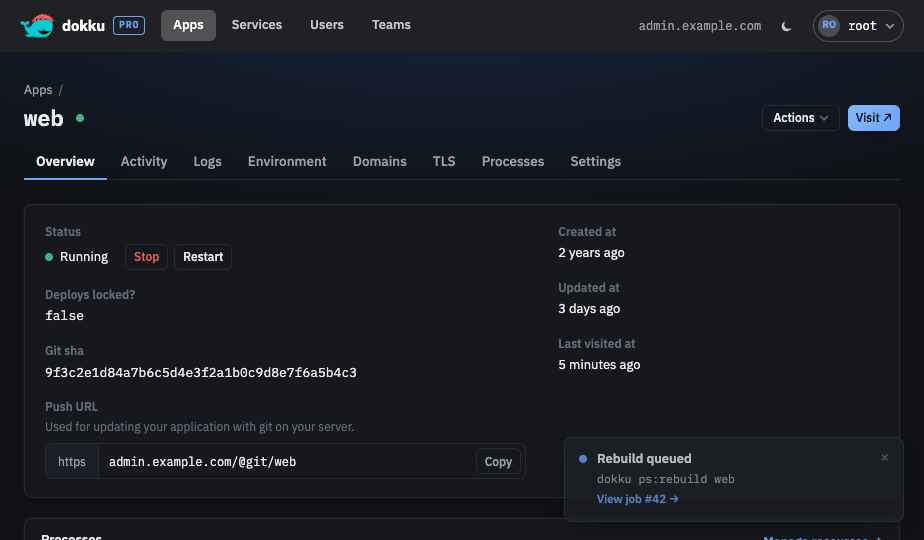
From the Actions menu in the app header - and from the status row on the Overview tab - you can start, stop, restart, and rebuild the app. Stopping is always confirmed, and the available actions reflect whether the app is not deployed, running, stopped, or deploy locked. You can also toggle deploy locking and turn on maintenance mode, which serves a maintenance page to all visitors.
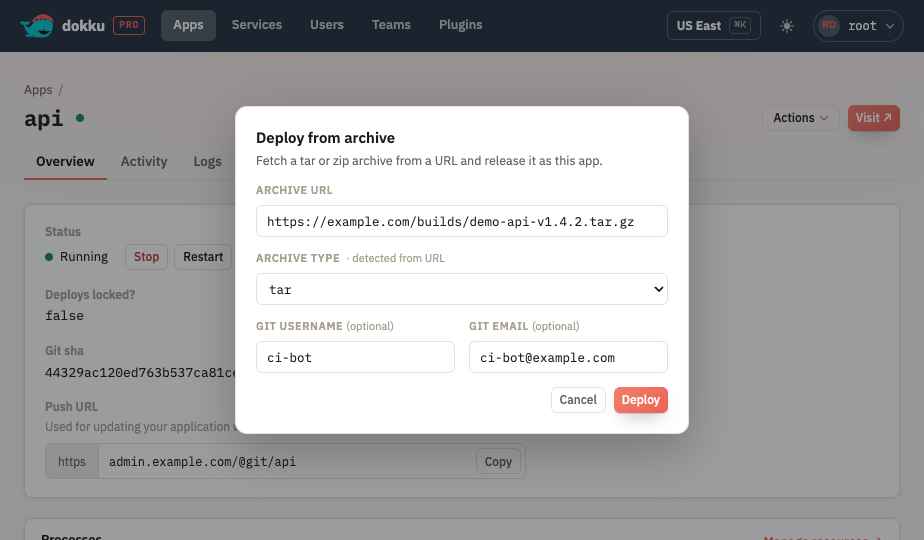
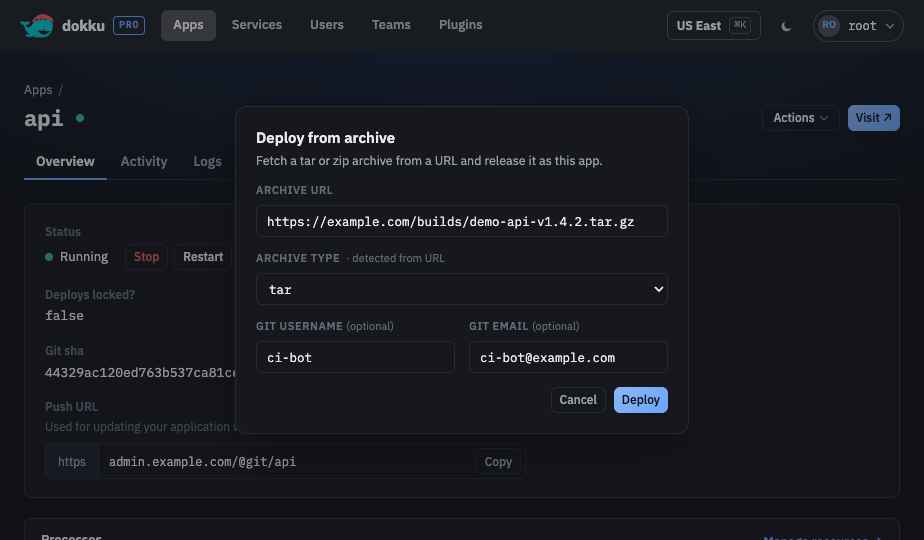
The Actions menu can also start a deploy from three sources, each a valid first deploy for a new app: Sync from git fetches a git repository, Deploy from image releases a prebuilt Docker image, and Deploy from archive fetches a tar, tar.gz, or zip archive from a URL. The archive type is detected from the URL and can be overridden, and an optional git username and email attribute the synthesized commit. Each source runs as a queued background job.
Any change that triggers a rebuild (environment variables, buildpacks, scaling, resource limits, or an explicit rebuild) runs as a queued background job. The UI surfaces each queued job as a toast with a link to follow it on the Activity tab, and reports when the job completes or fails.
Domains
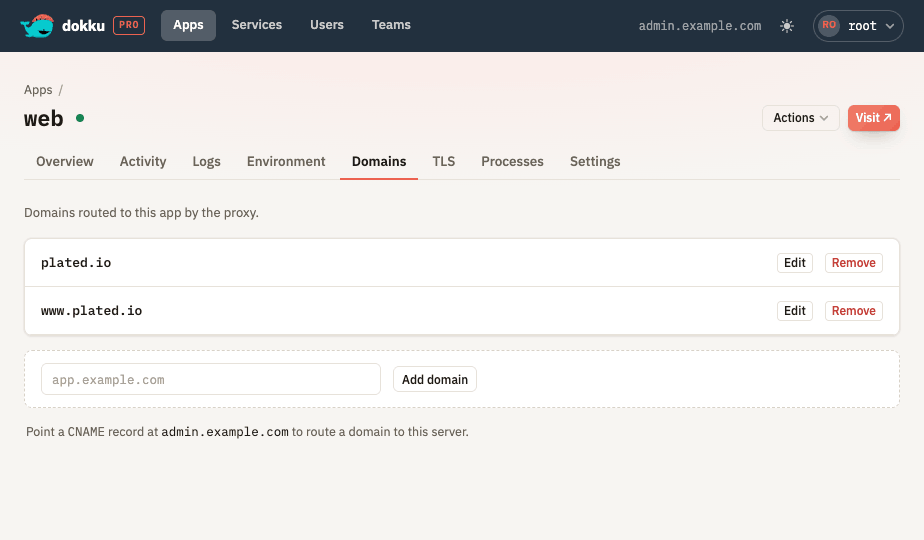
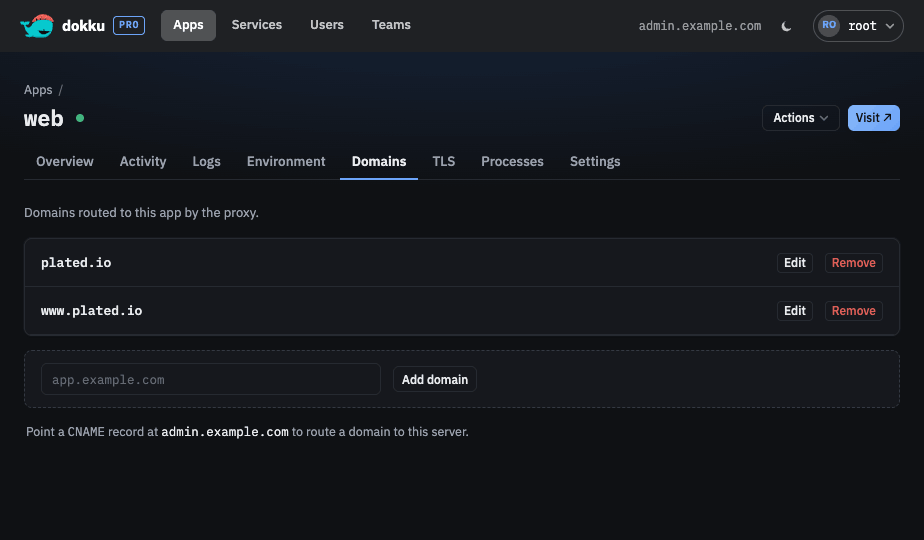
Manage an app's domains with inline editing and a DNS hint for routing new domains.
TLS Certificates
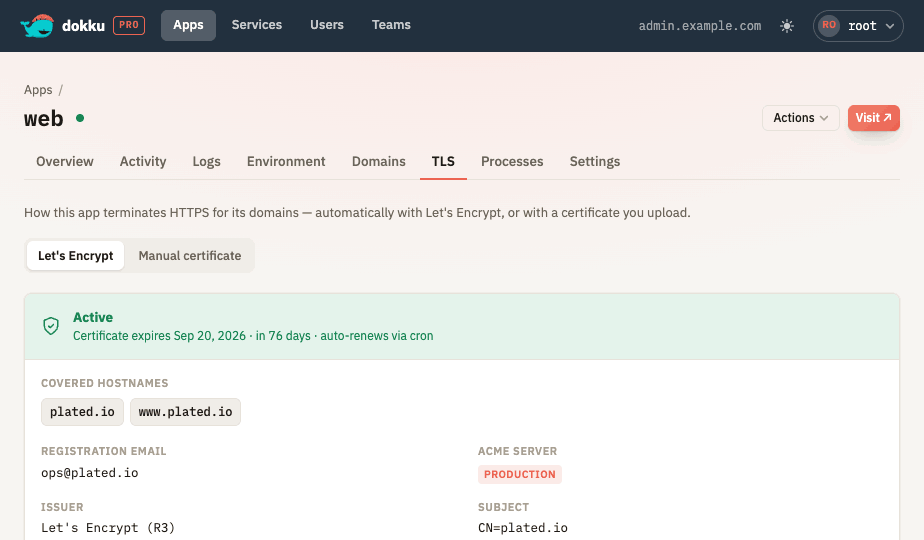
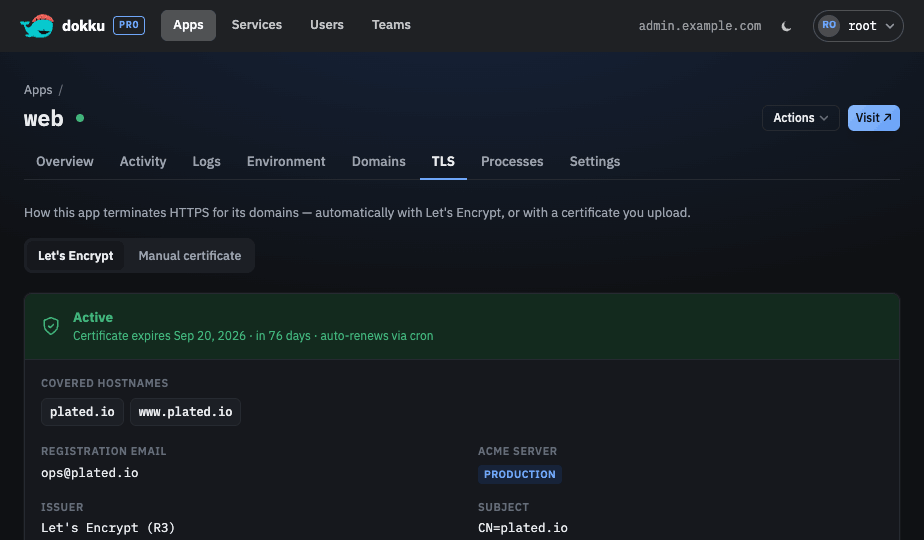
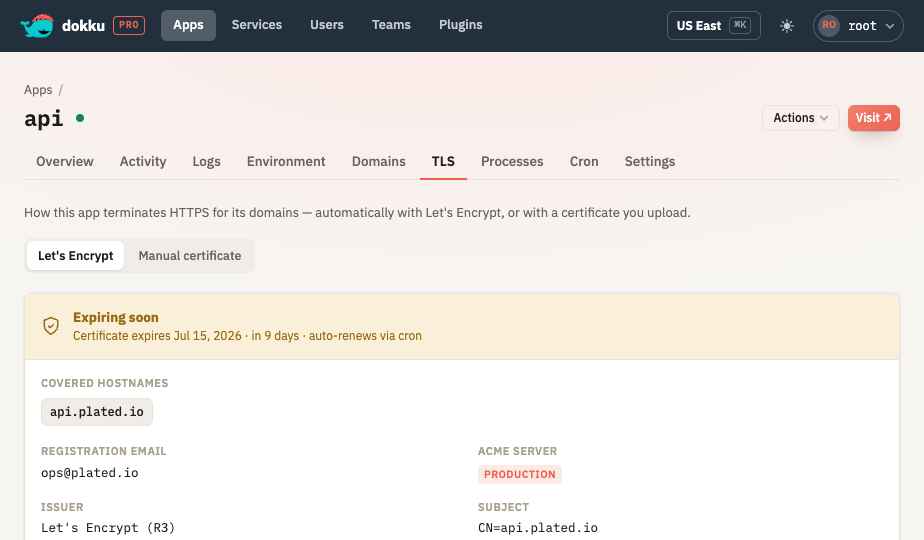
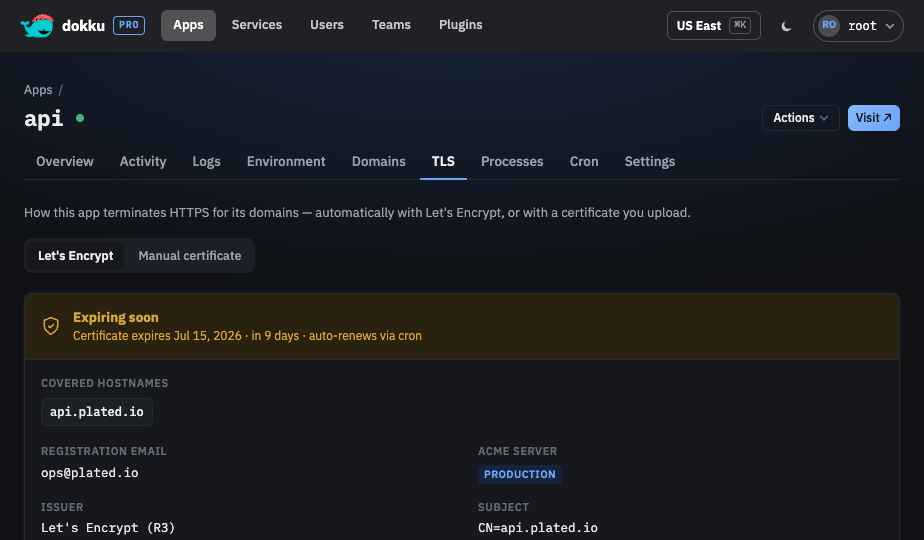
A unified TLS tab switches between Let's Encrypt and a manually uploaded certificate. Let's Encrypt is enabled with a registration email and a production or staging ACME server, runs as a queued background job while the certificate is issued, and then shows the issued certificate's status, expiry, and covered hostnames along with a disable action. A manual certificate can be uploaded when Let's Encrypt is not managing the certificate, and admins can toggle the server-wide auto-renewal cron job.
When the app runs under the k3s scheduler, the Let's Encrypt tab instead shows an Automatic TLS · cert-manager panel: certificates are issued and auto-renewed by the cluster's cert-manager, so there is no per-app ACME client and no server-wide renewal cron. Pick a production or staging issuer, supply a per-app registration email, and a background rebuild applies the change. A manually uploaded certificate still takes precedence over the automatic one.
Environment Variables
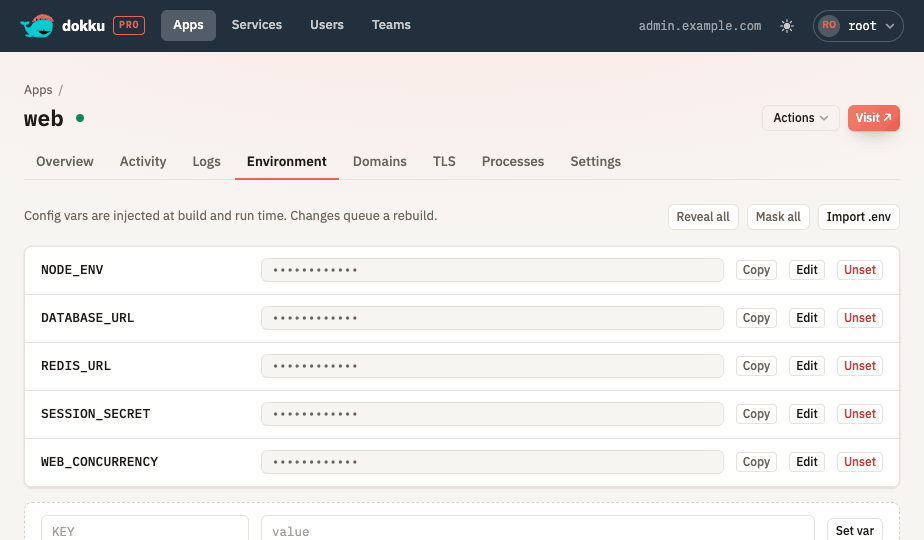
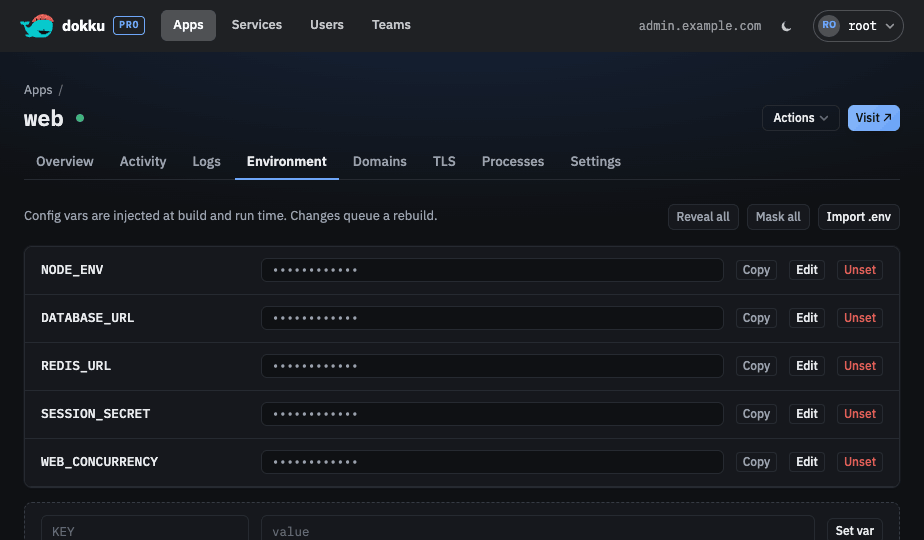
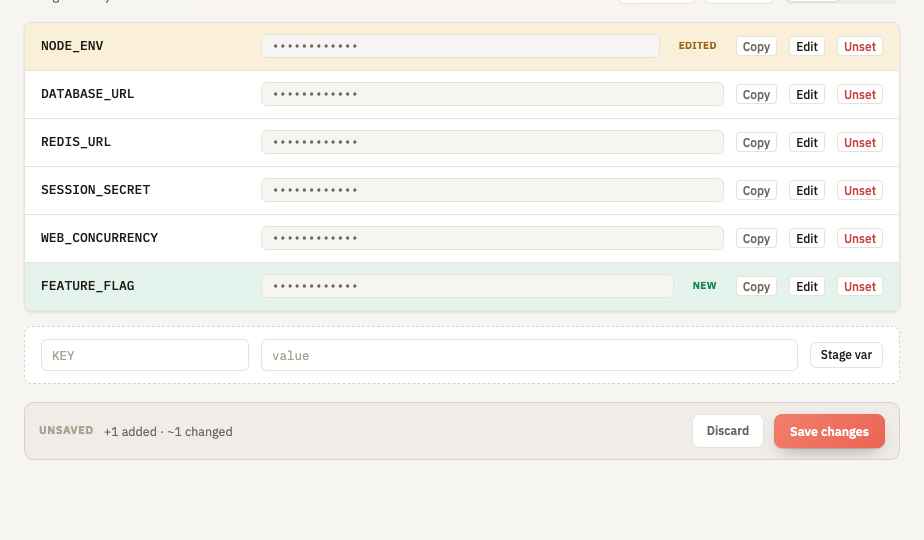
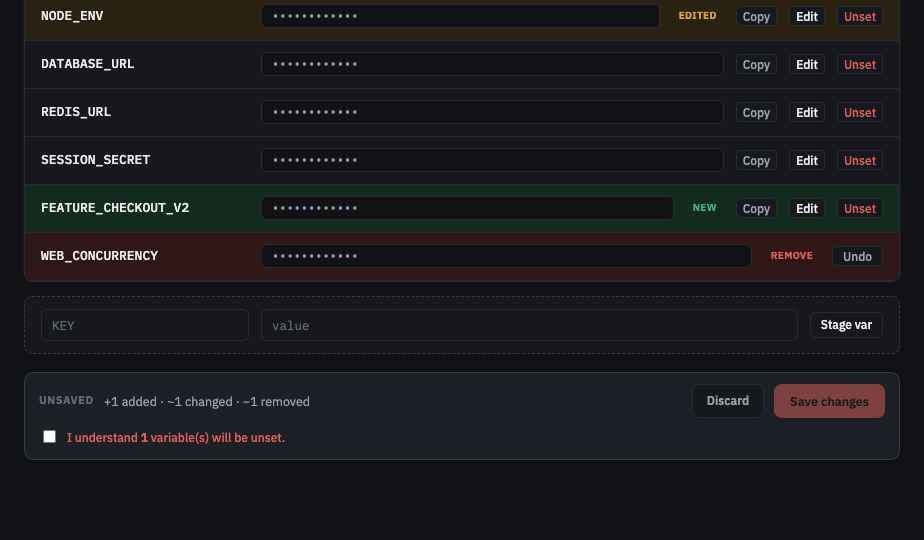
Environment variables are edited through batched staging: edits, additions, and unsets accumulate in a client-side draft instead of deploying one at a time. A Rows view offers masked values with reveal and mask controls, copy buttons, inline editing, per-variable staging chips, and a composer for staging new variables. A .env view edits the whole config as text and previews the delta before applying it back to the draft.
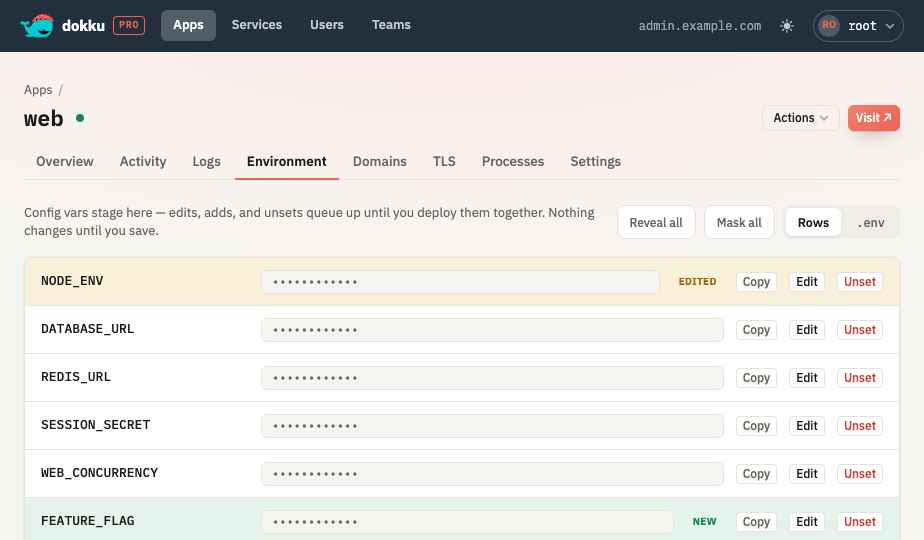
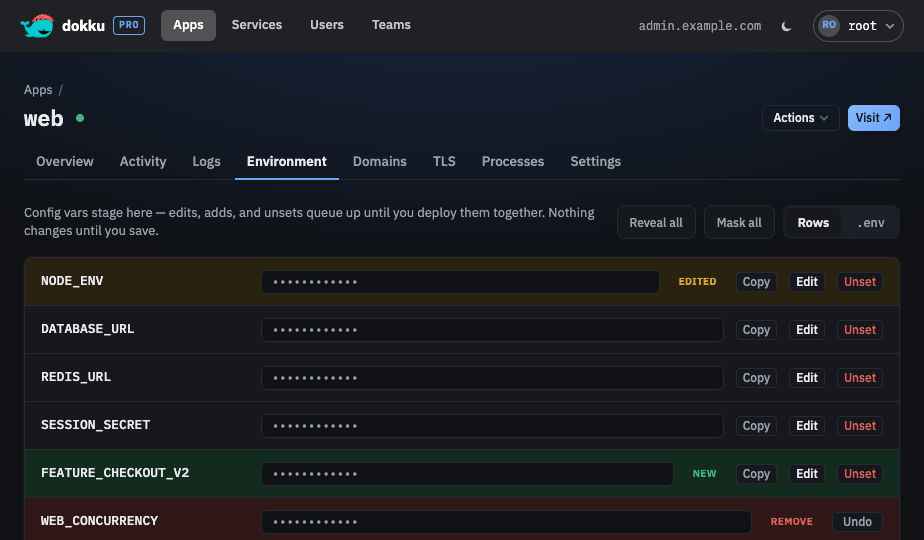
A commit bar summarizes the pending changes and deploys them together in a single
config:set when saved, requiring an explicit acknowledgement before any variable is unset,
or discards the draft entirely.
Scaling and Resources
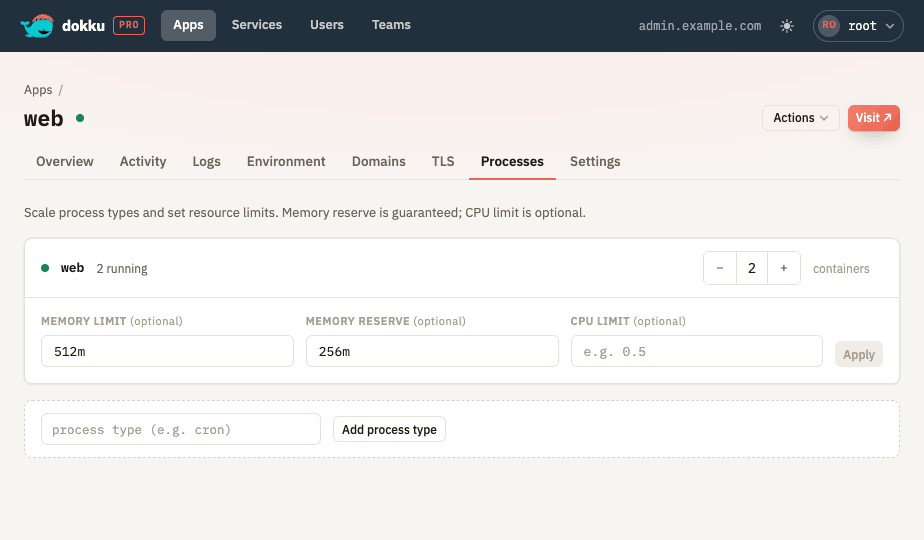
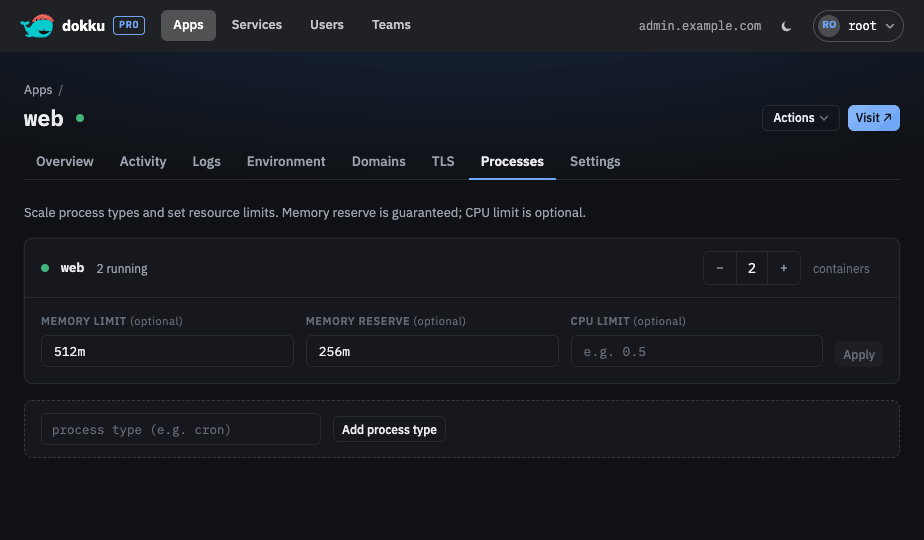
Scale process counts and set memory limits, memory reserves, and CPU limits per process type.
Scheduled Tasks
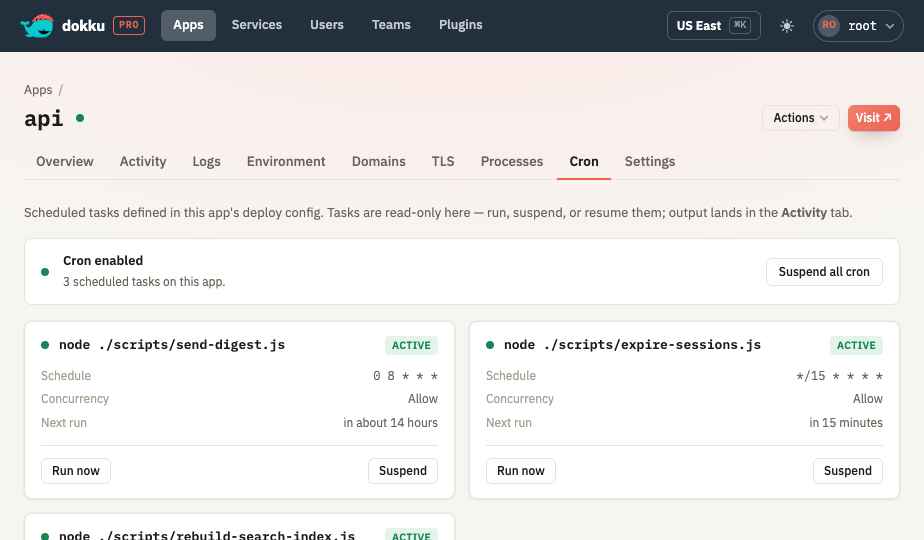
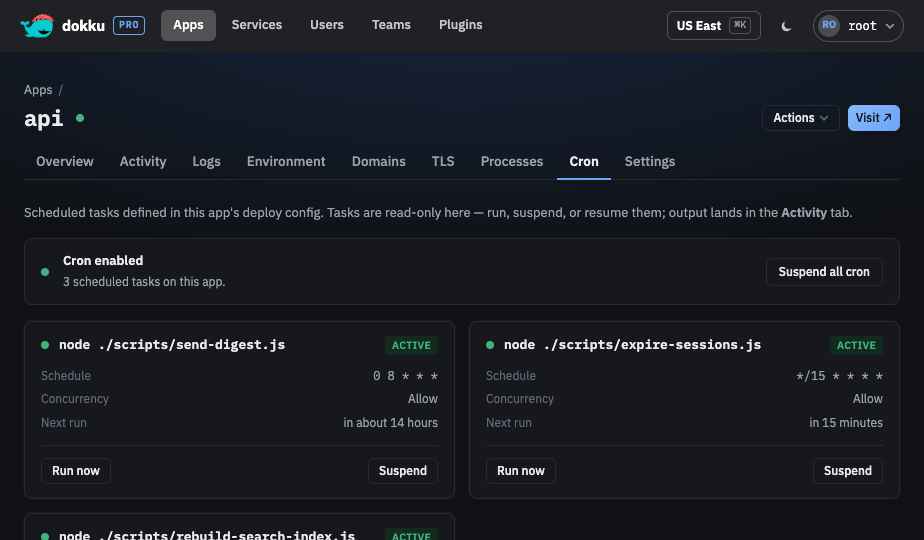
The Cron tab lists an app's scheduled tasks, defined in the app's deploy configuration. Each task shows its command, schedule, concurrency policy, and next run. The tab is read-only for the task definitions - tasks are created by deploying an app whose configuration defines them, not from the UI.
You can run any task on demand, which launches it as a queued background job whose output lands on the Activity tab, and suspend or resume an individual task. An app-wide control suspends or resumes all of the app's cron at once; while cron is suspended for the app, every task reads as paused and its individual control is disabled.
Build Configuration
Configure how the app is built and run:
- Buildpacks, including their ordering.
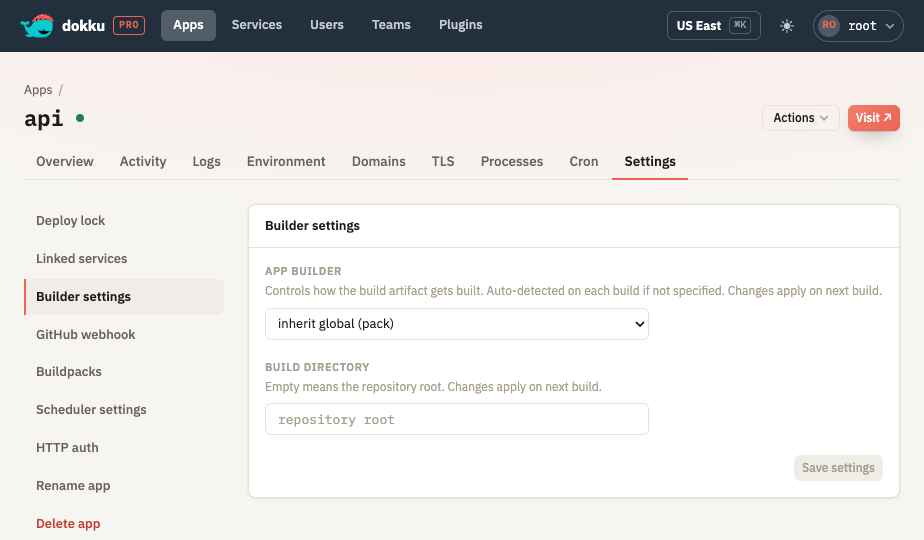
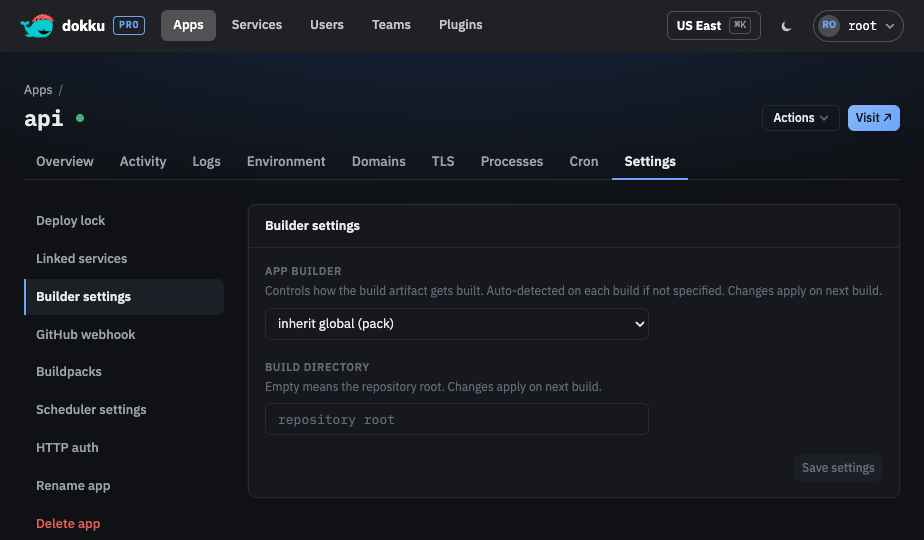
- Builder selection and build directory configuration.
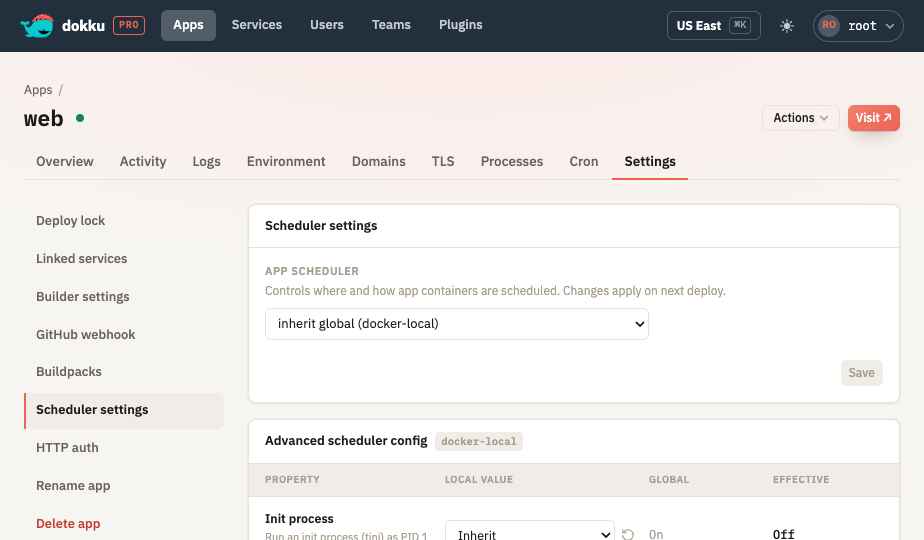
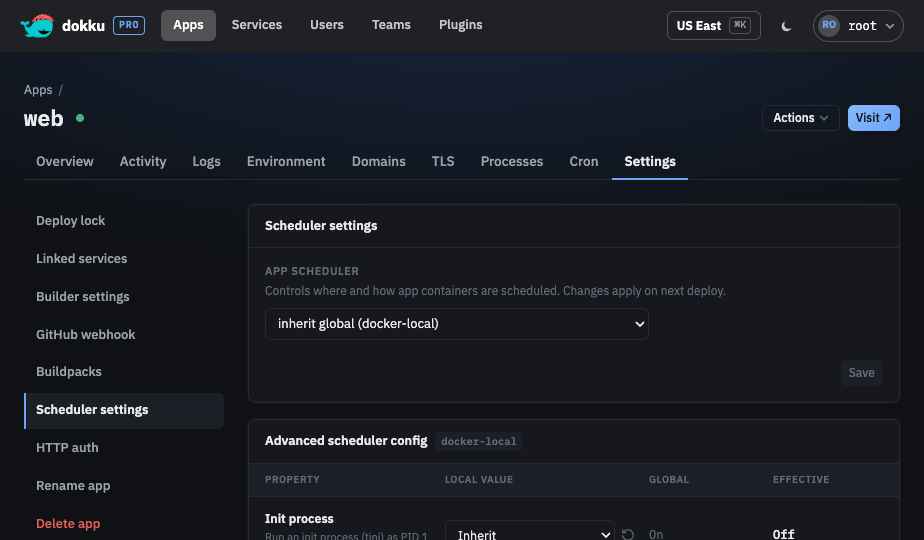
- Scheduler selection, plus an Advanced scheduler config card that surfaces the active scheduler's per-app properties (init process and parallel schedule count for docker-local; deploy timeout, image pull secrets, namespace, shared memory size, and more for k3s), each showing its local value, the global default, and the effective value with a reset-to-global control.
HTTP Basic Authentication
Protect an app with HTTP basic authentication, including allowed users and allowed IP addresses that bypass authentication.
Logs
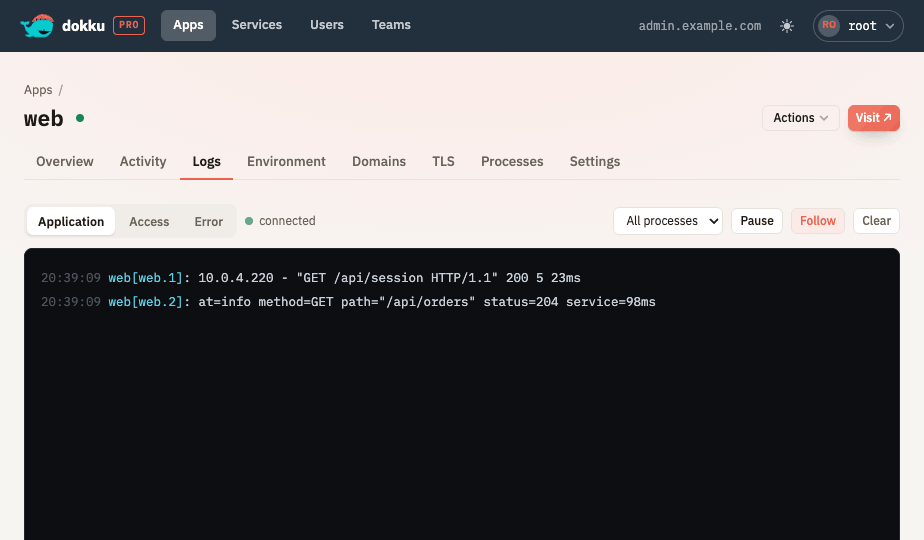
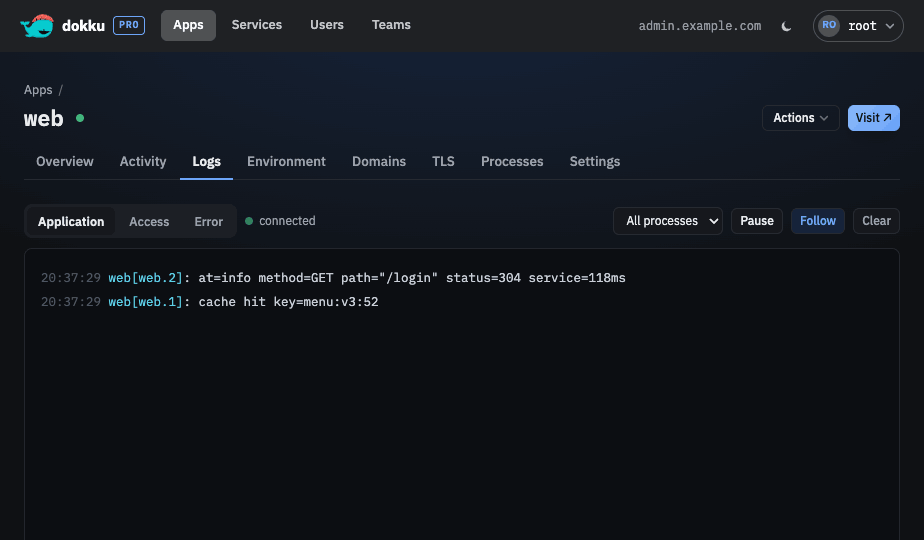
View live logs with a source selector that switches the stream between application (container stdout/stderr), nginx access, and nginx error logs, plus process filtering for application logs and pause and follow controls. Under the k3s scheduler the nginx access and error logs are read from the cluster's ingress-nginx pods rather than a per-app nginx. Logs stream over a WebSocket, so when a proxy or CDN blocks the connection the tab shows a connection-error banner with a Retry action and a link to the WebSocket requirements.
Activity
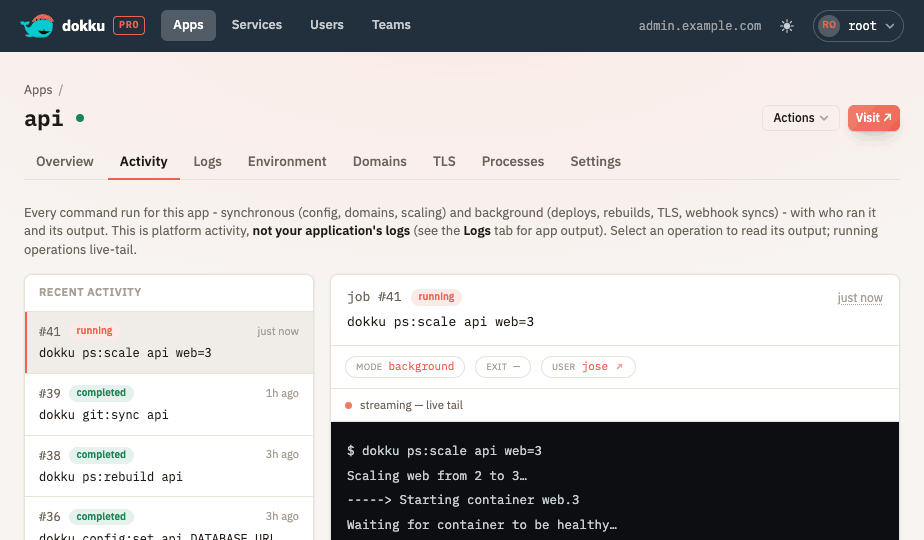
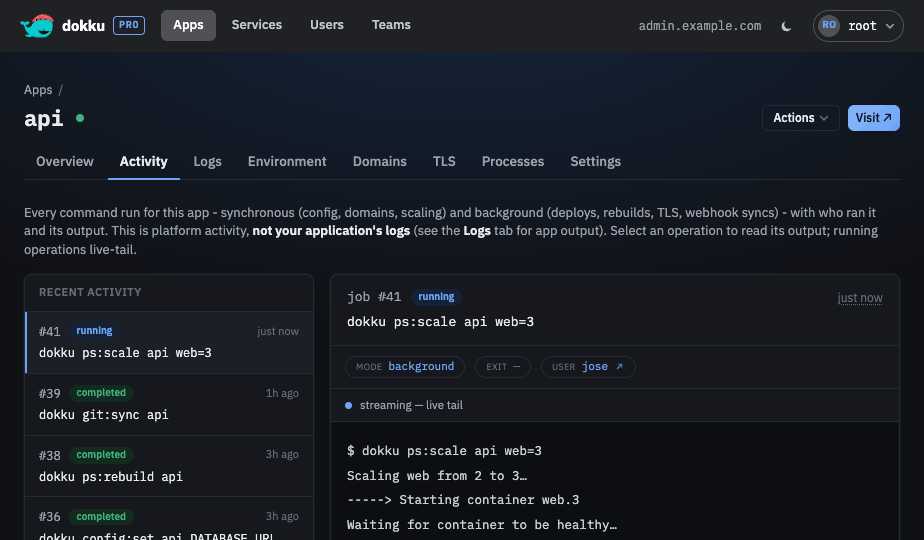
An Activity tab lists the app's recent commands in a master-detail layout: selecting a
command shows its context, status, timing, exit code, links to the related user and services,
and its lineage, and live-tails its logs while it runs or shows the full log once complete.
Viewing job logs requires the job:read permission; without it the tab shows an
access-denied message.
Settings
Rename an app from the Settings tab, with a typed confirmation and an option to skip the rebuild that would otherwise run afterwards. The rename runs as a queued background job, and the app's team access, webhook configuration, and activity history all follow it to the new name. Datastore linking with credential reveal is also managed here.