Git HTTP Server
Dokku Pro includes a Git HTTP server so you can git push to deploy over http/https,
without exposing SSH. This is useful in locked-down environments where the SSH port -
commonly port 22 - is not reachable.
Warning
Restarting the server during a push may leave your application in a bad state. Make sure no deploys are active before stopping or restarting Dokku Pro.
Point your app's git remote at the server's /@git/<app> path:
# for an app named node-js-app, on a server hosted at https://admin.dokku.me
git remote add dokku https://admin.dokku.me/@git/node-js-app
Authenticate with the built-in administrator account:
- Username:
root - Password: the value of your
ROOT_TOKEN, set in the server configuration
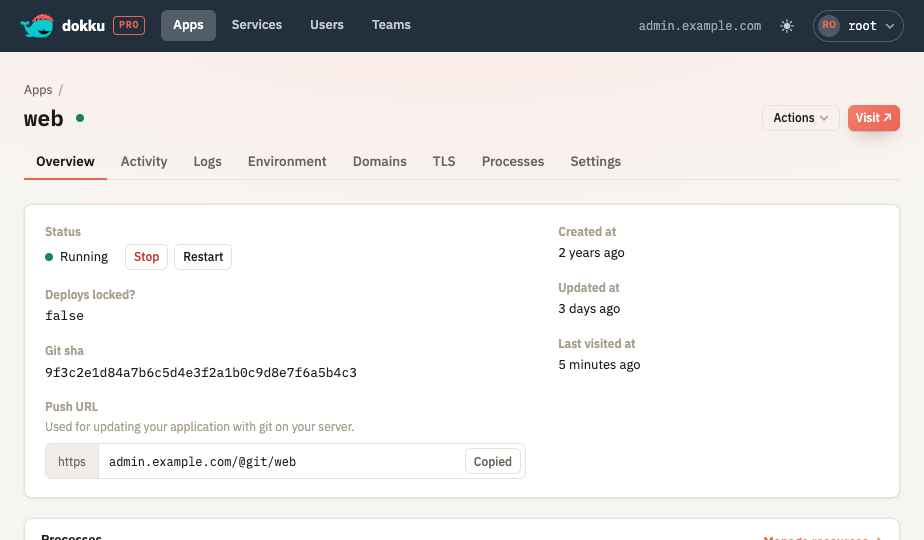
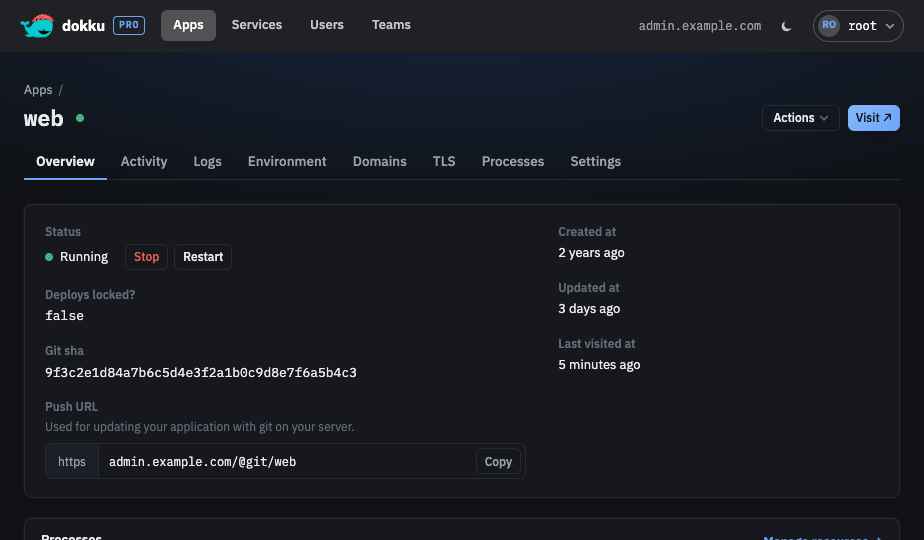
The app's page in the UI shows its push URL, so you can copy it straight into your git remote:
Disabling the Git HTTP Server
New as of 1.3.1
The Git HTTP server can be turned off.
Set SERVER_GIT_ENABLED=false in /etc/default/dokku-pro and restart Dokku Pro. When
disabled, the git routes are not registered, requests to /@git paths return the standard
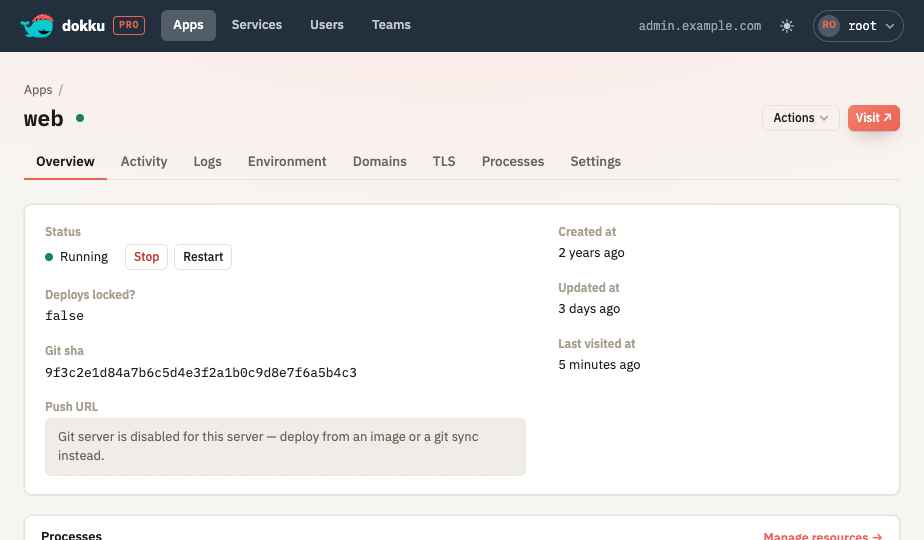
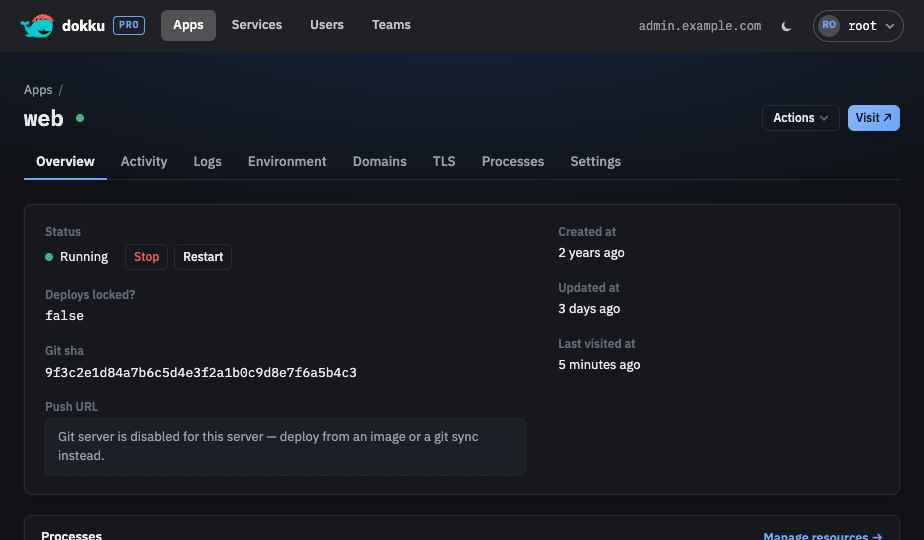
404 page without a basic-auth challenge, and the app page hides the push URL.