Managing Services
The web UI manages the datastore services that back your apps - the PostgreSQL, Redis, or other services provided by Dokku's datastore plugins - without dropping to the command line.
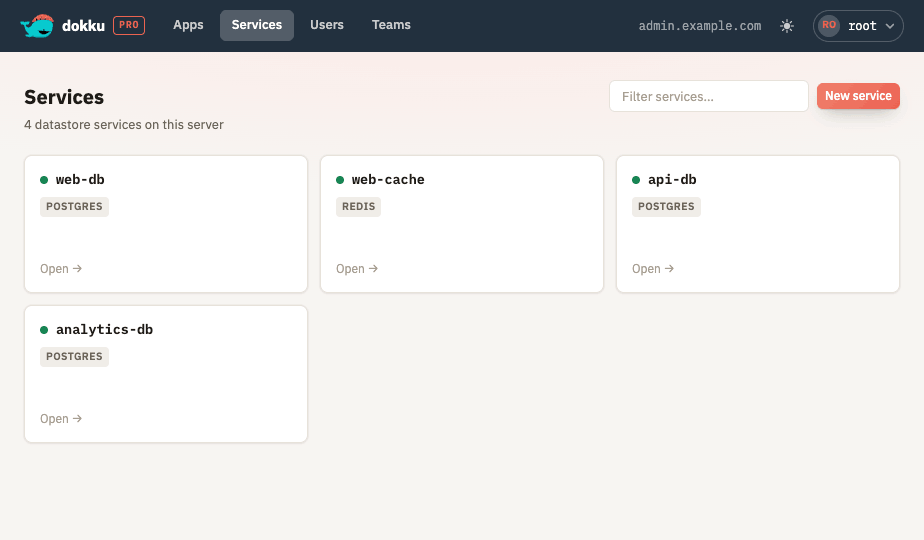
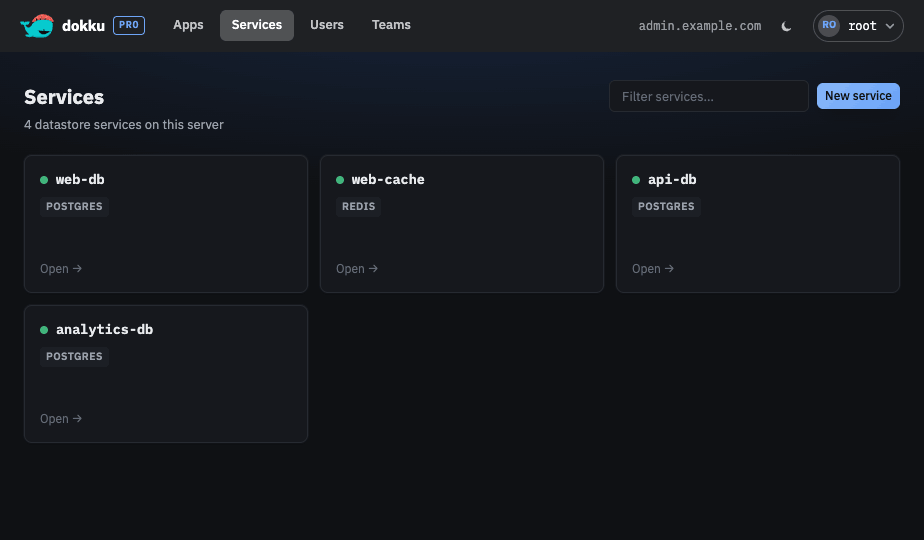
From the UI you can:
- Create and delete services, with a typed confirmation before a service is destroyed. Deleting a service returns you to the service list and shows a toast; the service is marked "deleting" in the list until the background job finishes and it drops out. Deleting a service also purges its activity history, so a service later created with the same name starts clean.
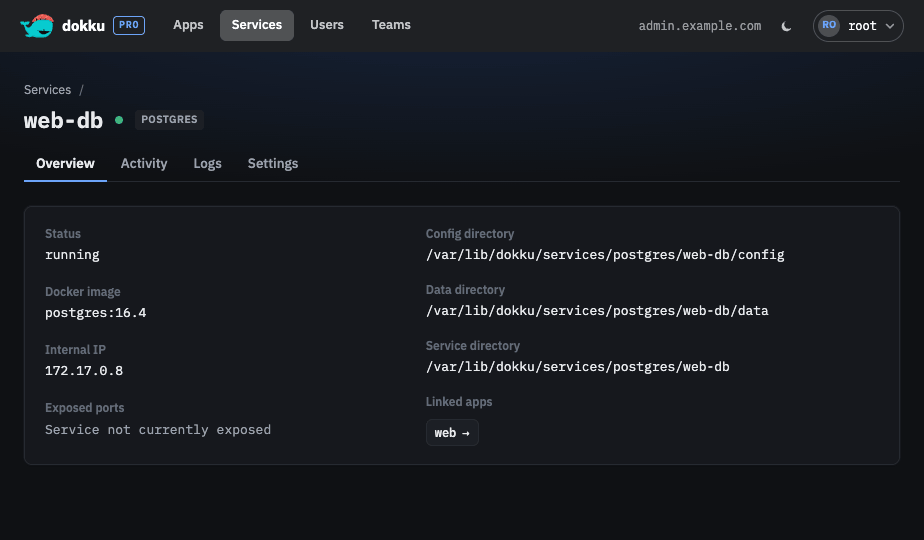
- View general information for a service, including its Docker image, internal IP, exposed ports, data directories, and connection string.
- Link and unlink apps.
- View live container logs with pause and follow controls.
- Audit the service's recent commands on an Activity tab in a master-detail layout,
live-tailing a selected command's output or showing its full log once complete. Viewing
job logs requires the
job:readpermission.
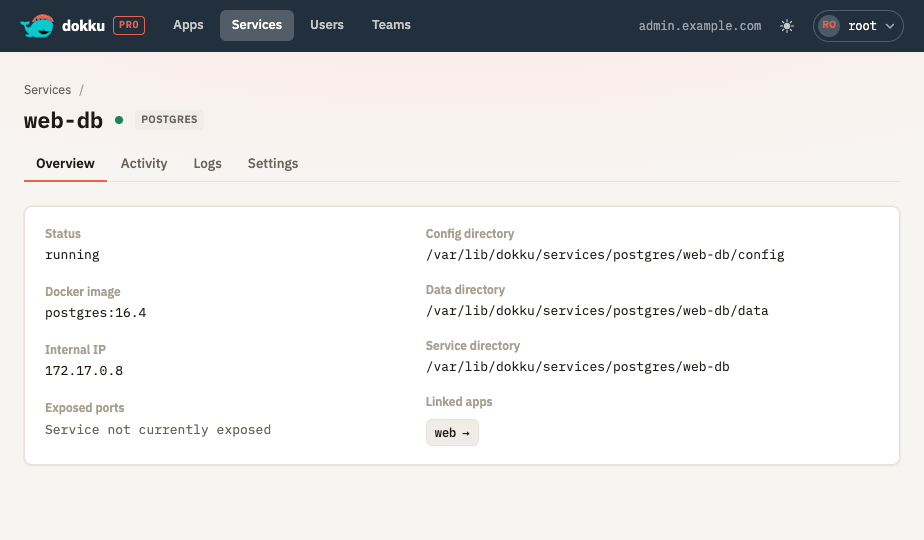
Creating a Service
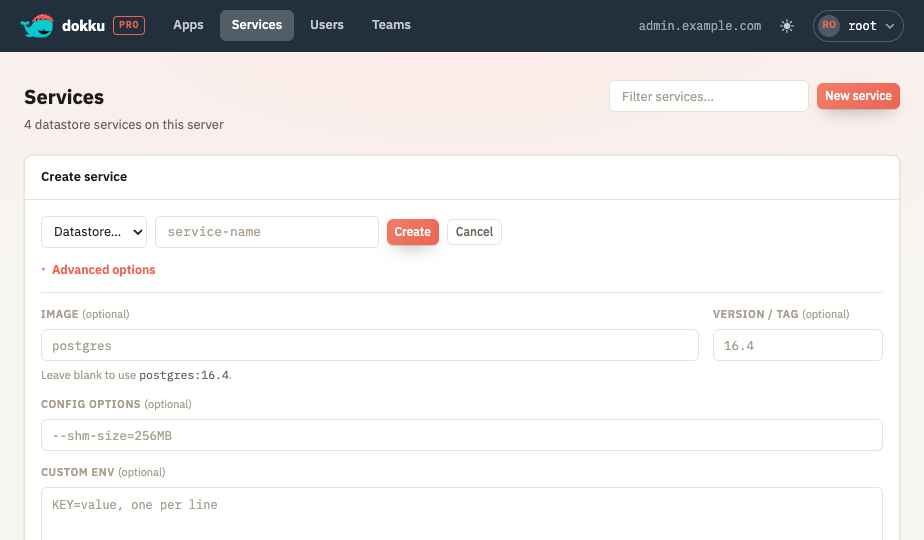
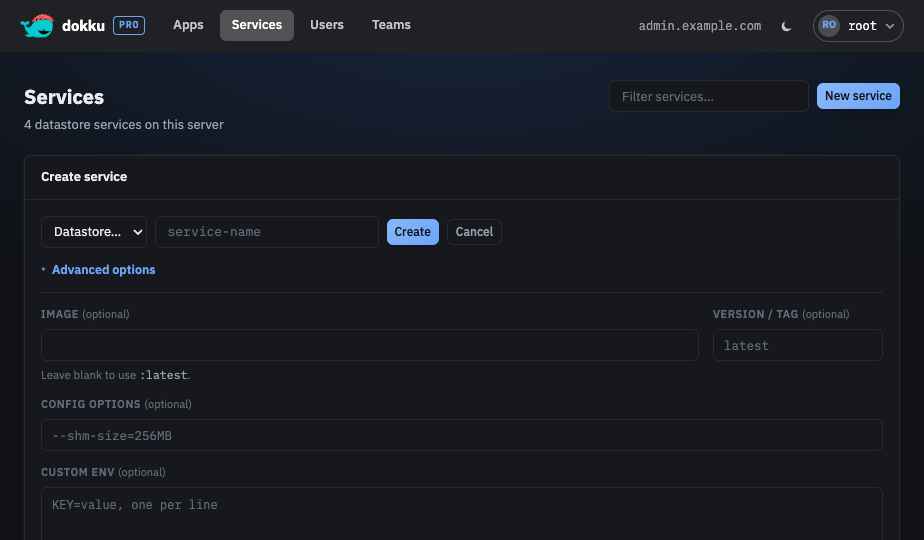
Creating a service only requires a datastore type and a name. An Advanced options section on the create form optionally lets you customize the service at creation time:
- Image and Version / tag override the Docker image the service is provisioned with. Leaving them blank uses the datastore plugin's default image.
- Config options are passed as extra arguments to the container create command.
- Custom env sets environment variables for the service, entered one
KEY=valueper line.
Any field left blank falls back to the datastore plugin's own default, so the common path stays a single action.
A service that is linked to one or more apps cannot be deleted until it has been unlinked from all of them.