Managing Teams
Teams are how Dokku Pro decides who can do what. A team groups users together and grants them access to specific apps, services, and commands, so you manage permissions once per team rather than per user. See Team Management for the underlying model and the CLI.
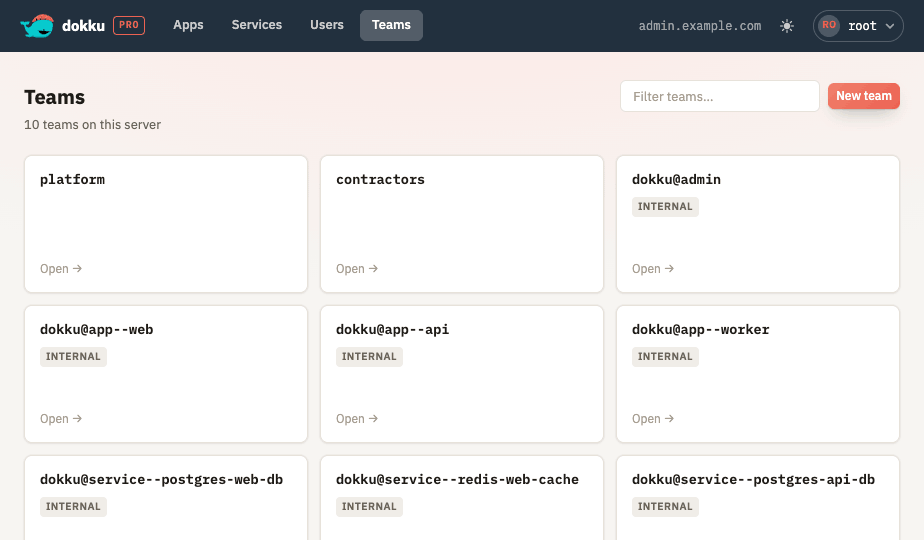
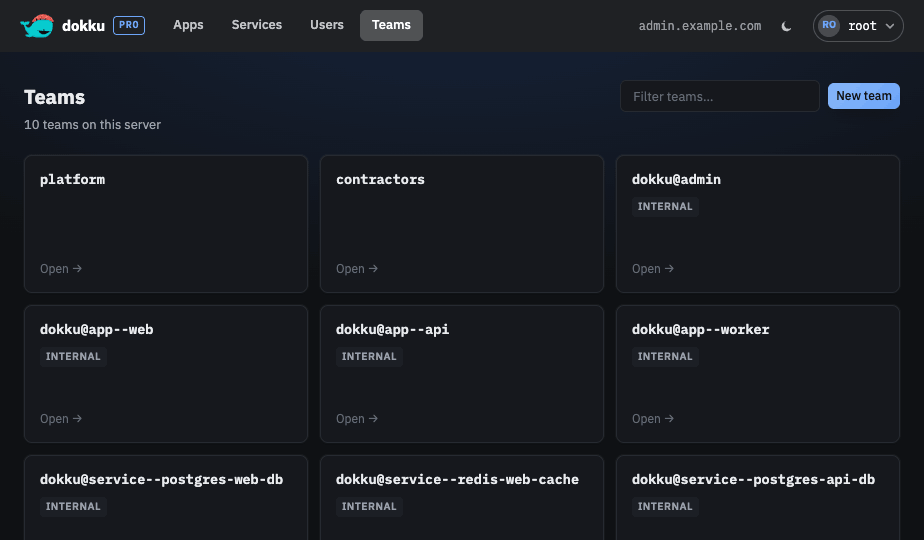
From the UI you can:
- Create and delete teams, with a typed confirmation before a team is removed. Deleting a team returns you to the team list and shows a toast; the team is marked "deleting" in the list until the removal finishes and it drops out.
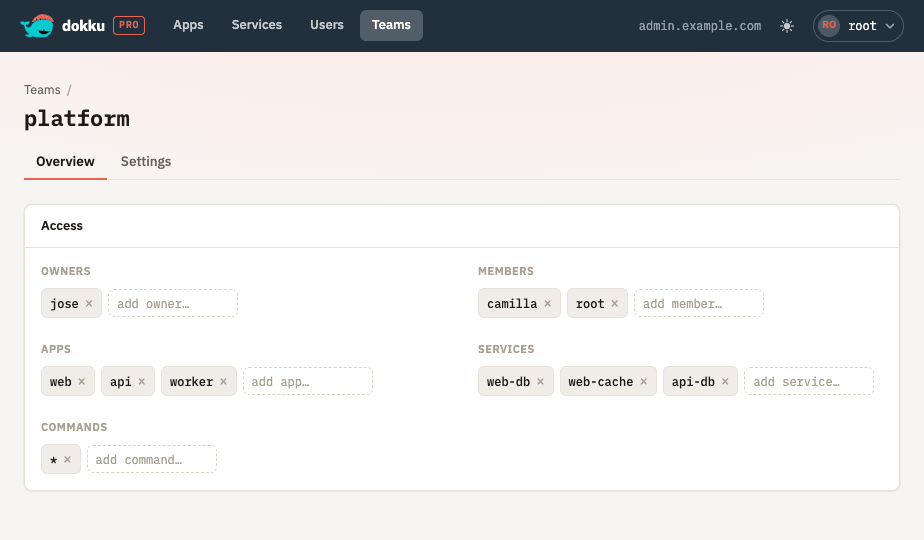
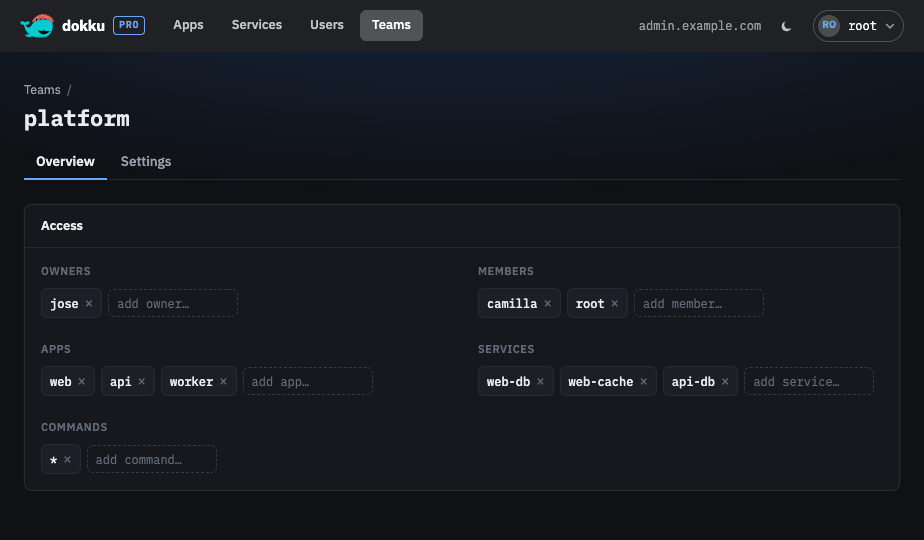
- Edit a team's owners, members, apps, services, and commands with a type-ahead picker.
Deleting a team removes the team and its access grants; the users, apps, and services themselves are not affected.
Internal Teams
Some teams are created and maintained by Dokku Pro itself so that every app and service has
an owner without any manual setup. These internal teams use the reserved dokku@ prefix:
one exists for administrators, one per app, and one per service. Only the owners and members
of an internal team can be edited, and internal teams cannot be deleted.