Managing Users
The web UI manages the people who can sign in to Dokku Pro - their passwords, SSH keys, and password reset links. See User Management for the underlying model and the CLI.
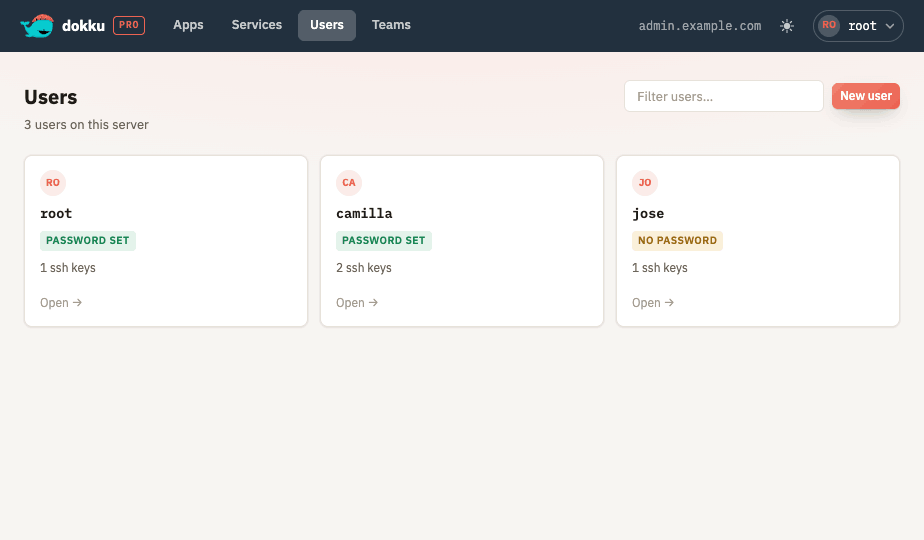
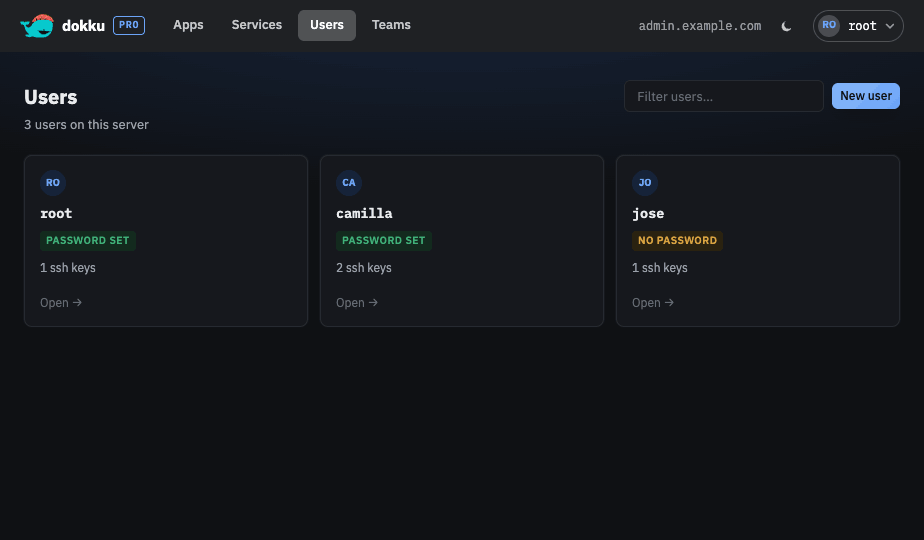
From the UI you can:
- Create a user with an optional initial password, and delete one with a typed confirmation. Deleting a user returns you to the user list and shows a toast; the user is marked "deleting" in the list until the removal finishes and it drops out.
- View whether a user has a password set, their SSH key fingerprints, and their password reset URL and token.
- Generate or refresh a password reset token, which produces a single-use link the user can visit to set their own password.
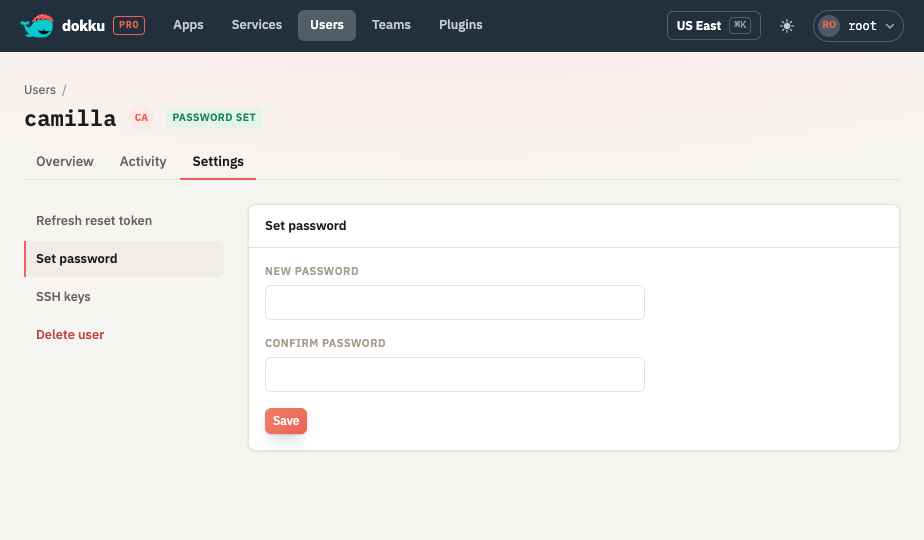
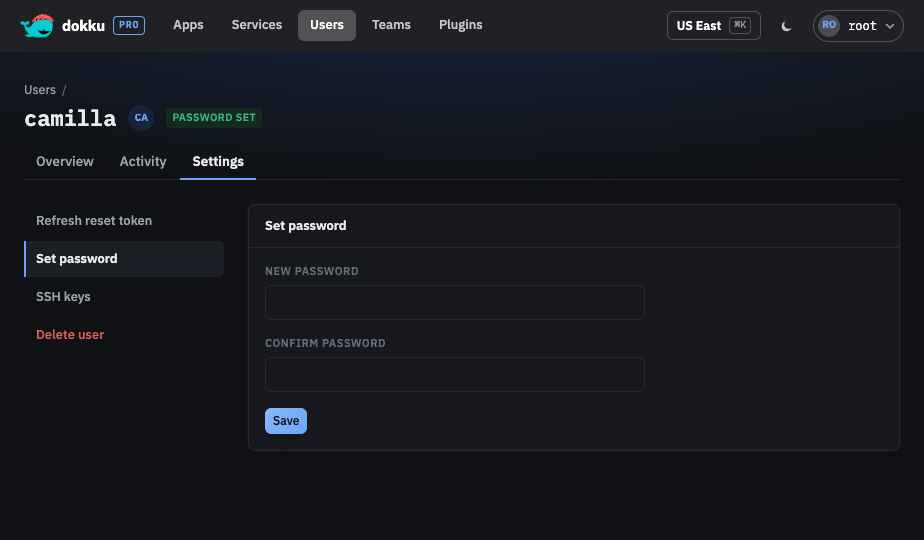
- Set a user's password directly.
- Manage SSH keys, when viewing your own user or when signed in as an administrator.
- Audit the user's recent commands across all apps and services on an Activity tab, visible to that user or to an administrator.
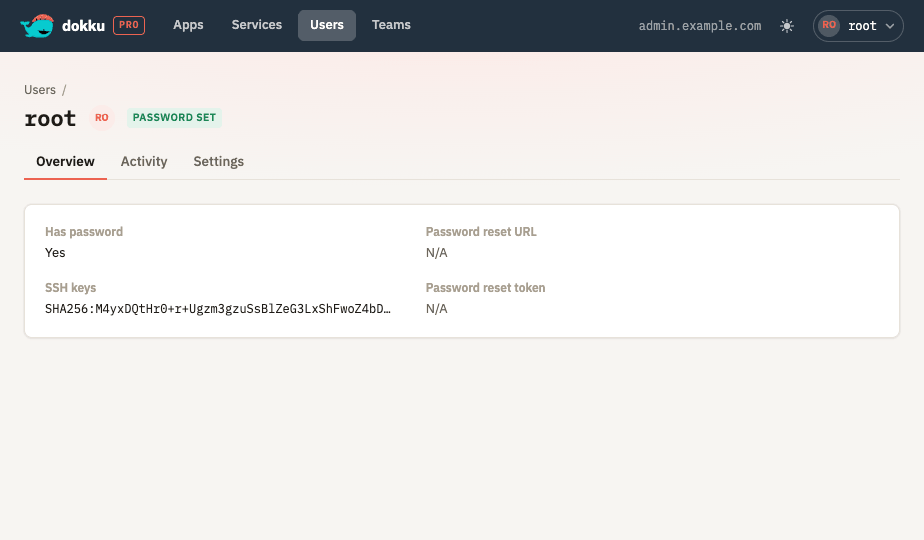
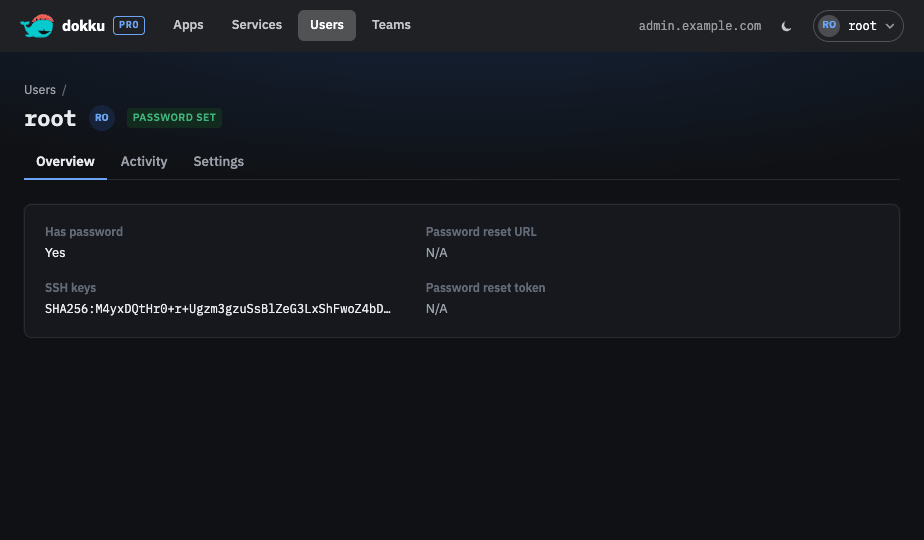
The root user is protected: it cannot be deleted, and its password and reset token cannot
be changed through the UI.