Managing Plugins
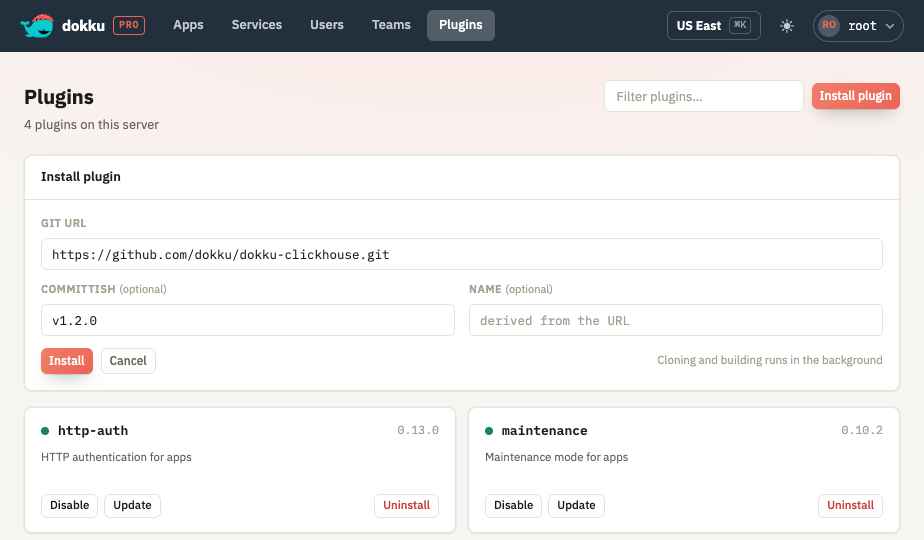
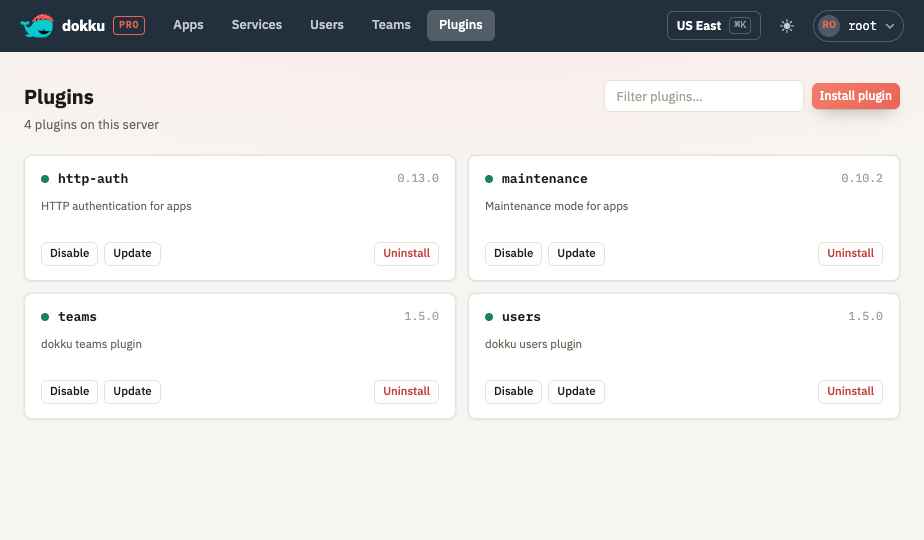
The web UI manages the community Dokku plugins installed on the server - the plugins that provide datastores, TLS automation, and other functionality that Dokku Pro builds on. See Requirements for the plugins Dokku Pro depends on and their minimum versions.
Plugin management modifies files under /var/lib/dokku/plugins, which requires root. It is
therefore only available when Dokku Pro itself runs as root. When it does not, the Plugins
screen explains that it is unavailable and points you at restarting Dokku Pro as root or running
dokku plugin:install on the server directly.
From the UI you can:
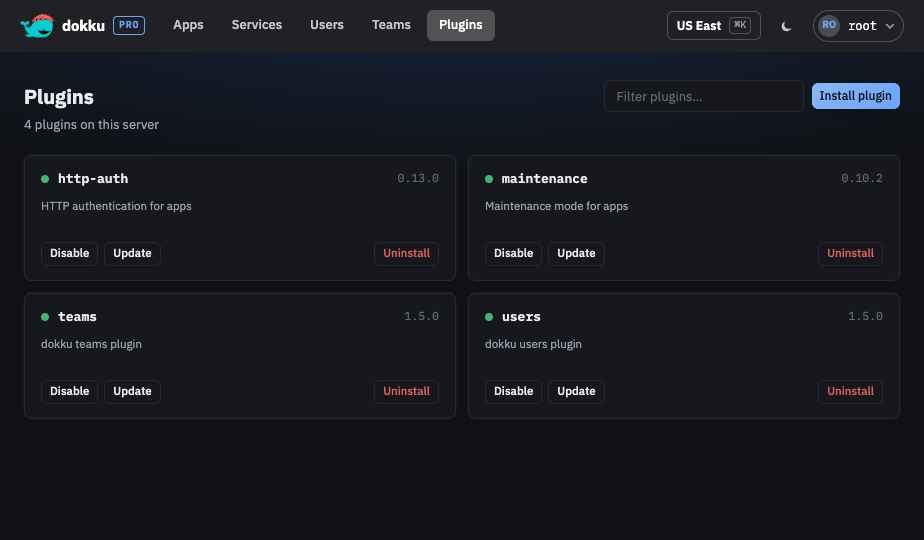
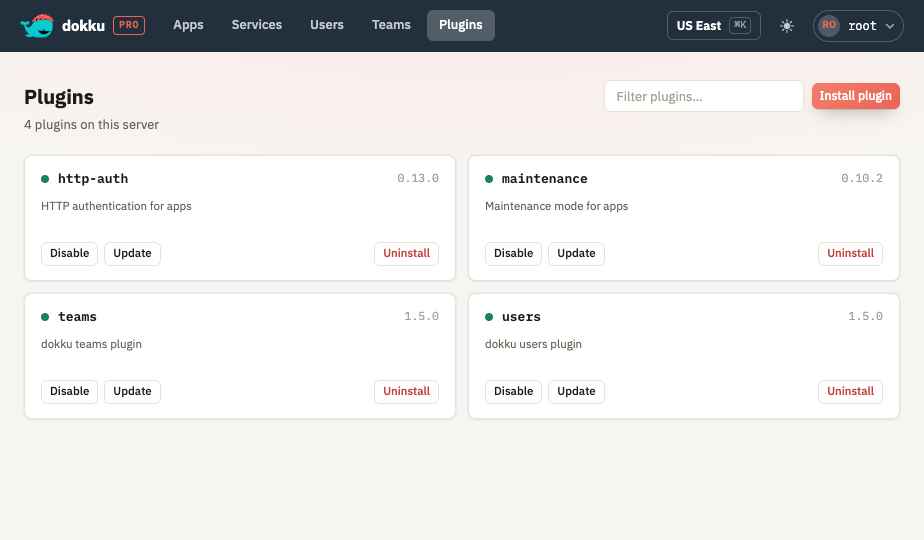
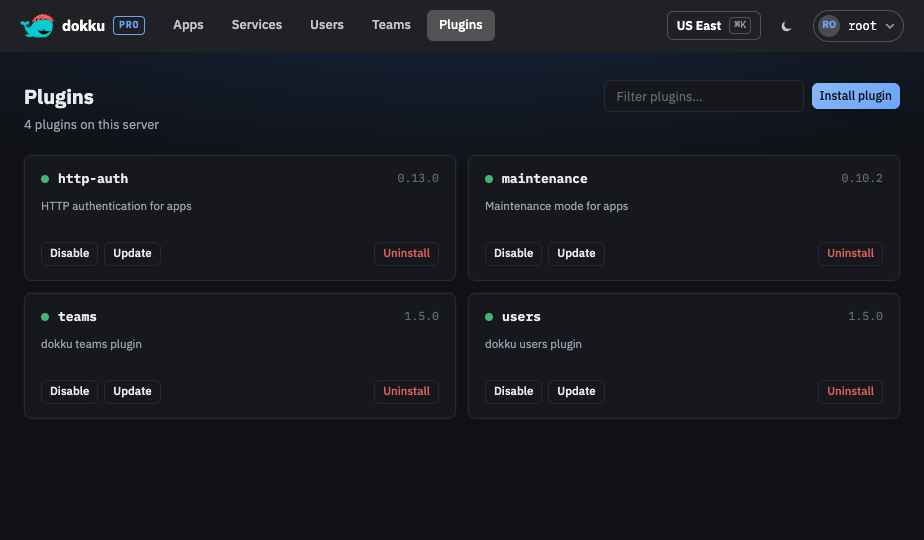
- View each installed community plugin with its version, description, and whether it is enabled or disabled. Core plugins that ship with Dokku are not listed - they cannot be disabled or uninstalled, and update only with Dokku itself.
- Filter the list by name or description.
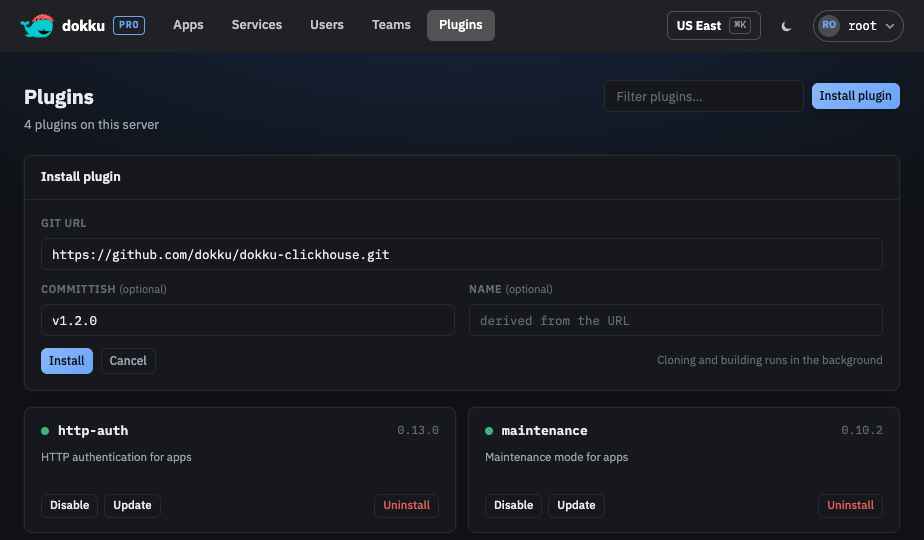
- Install a plugin from a git URL, optionally pinning a committish (branch, tag, or commit) and choosing a name. When the name is left blank it is derived from the URL.
- Enable or disable a plugin.
- Update a plugin to its latest version.
- Uninstall a plugin after typing its name to confirm.
Installing, updating, and uninstalling clone and build on the server, so they run as background jobs: the screen shows a toast with a link into the Activity view where the job's output streams. Enabling and disabling are immediate.