Activity and Job Logs
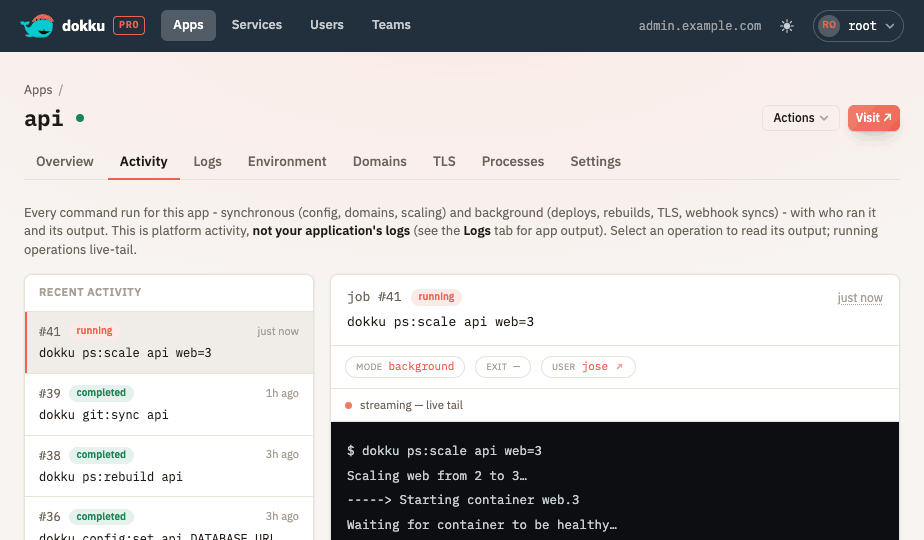
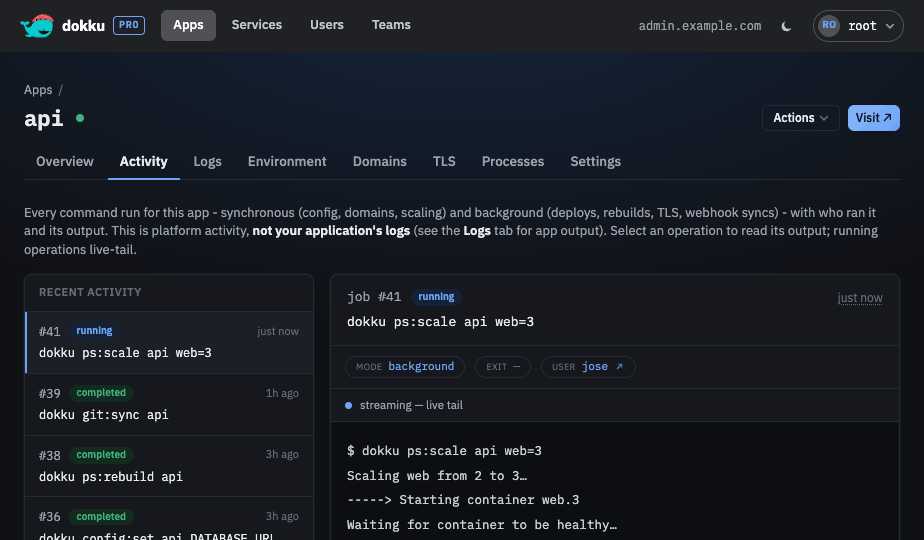
Dokku Pro records every command it runs on your behalf - both the synchronous commands that
execute inside an API request (such as config:set) and the background jobs that run on the
queue (such as ps:rebuild, which re-runs an app's build and release). Each record captures
who triggered the command, the app and/or service it targeted, its outcome, and its output,
so you can see an app's recent background jobs, read a job's logs as it runs, and audit what
a user has done.
What Is Captured
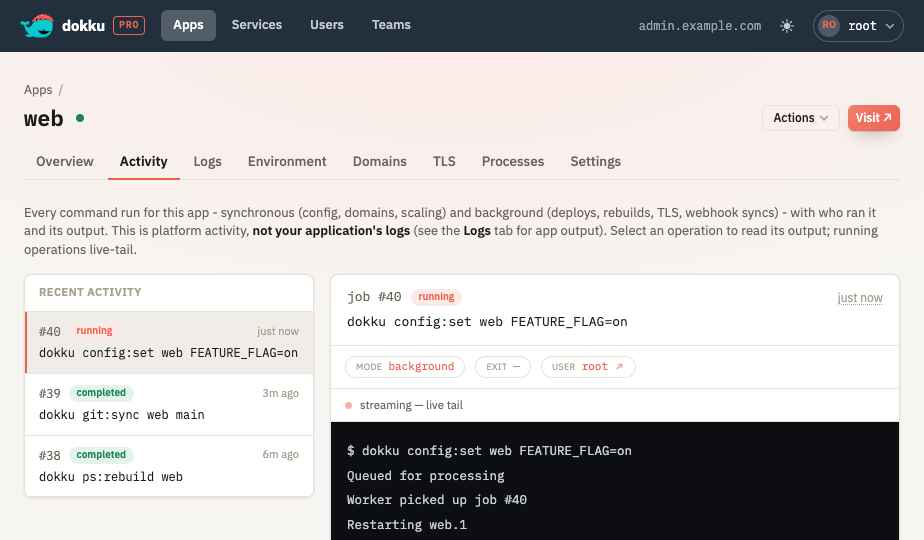
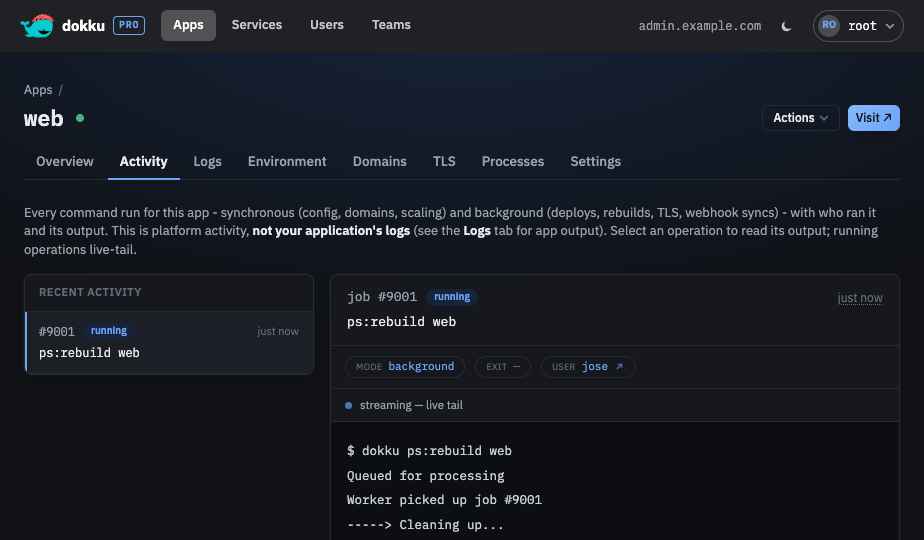
For every command Dokku Pro runs in-process it stores:
- the command and its arguments, with secret values redacted
- the user who triggered it and how it was triggered (api, webhook, or git)
- the app and/or service it targeted (a link touches both)
- its mode (synchronous or background), CRUD operation, status, exit code, and timings
- its lineage - the request that triggered it and the command that spawned it
- its output, for background and other write commands, tailed live while running
Read commands (the many *:report/config:export lookups behind a page load) are recorded
as metadata only and hidden from the default views to keep the audit focused on changes. Add
?include=reads to a request to include them.
Access Control
Viewing an app's or service's job logs requires being associated with it and holding the
job:read command in one of your teams (or full * access). Global admins always have
access, and a resource's own internal team grants access to its members. A user's activity
audit is visible only to that user or to a global admin.
Secrets
Command arguments and output are redacted before they are stored. Config values
(config:set, config:export), auth passwords, git credentials, datastore credentials,
connection strings, and reset tokens are masked, along with any credentialed URL or
--password/--token/--secret flag value. User passwords set from the UI or the API are
piped to the command over stdin, so they never reach an argument list at all.
Resource Lifecycle
An app's activity follows the app through renames and destroys, a service's activity is
cleared when the service is destroyed, and a user's activity audit is cleared when the user
is destroyed, whether the change happens in Dokku Pro or through the dokku CLI:
- Renaming an app (in the UI or via
dokku apps:rename) moves its activity history to the new name. - Destroying an app (in the UI or via
dokku apps:destroy) purges all of its activity, so a later app created with the same name starts with a clean history. The destroy action itself remains in the acting user's activity audit. - Destroying a service (in the UI or via
dokku <type>:destroy) purges all of its activity the same way, so a later service created with the same name starts clean. The destroy action itself remains in the acting user's activity audit. Services cannot be renamed. - Destroying a user (in the UI or via
dokku users:destroy) clears that user's activity audit, so a later user created with the same name starts clean. Because a user is the actor of their commands rather than a target, commands they ran against apps or services that still exist stay in those resources' activity, flagged to show the acting user has been deleted. The destroy action itself remains in the acting admin's activity audit.
These purges run in the background and never block the destroy: destroying an app, service, or user hands the activity cleanup off to Dokku Pro's server, which records it durably and applies it moments later, retrying from its on-disk spool if the server restarts before the purge finishes. A resource recreated with the same name starts with a clean history once the purge lands, which is effectively immediate.
Retention
Write-command records are kept for 90 days by default (ACTIVITY_TTL, in minutes).
Read-command records and all command output are kept for the shorter log retention
(LOG_TTL, default 7 days). A background job running during an upgrade is not carried over
and must be re-triggered.
Endpoints
GET /@api/apps/{app}/queueJobs- an app's recent background jobsGET /@api/services/{type}:{name}/queueJobs- a service's recent background jobsGET /@api/users/{username}/activity- a user's recent activity (admin or self)GET /@api/queueJobs/{id}- a single command, with its lineageGET /@api/queueJobs/{id}/logs- a job's captured output, read in one request (used for finished jobs)ws /@api/queueJobLogs/{id}- a running job's logs, tailed live until it completes